GameLoop 32 Bit: Why it is still the most stable choice right now
If you play mobile games on PC, stability beats everything. As of January 2026, many players are caught between two frustrating realities:
GameLoop AOW 64-bit is crashing for a large portion of COD Mobile players after the latest season updates.
Tenstore Android Connect (the newer GameLoop engine build) can feel smoother, but it is officially centered around Arena Breakout, with no clear public roadmap for COD Mobile and PUBG support.
Because of that, the most rational option for many players right now is the one people keep searching for: gameloop 32 bit.
This guide explains what is happening, what GameLoop itself has already acknowledged publicly, what Tenstore Android Connect means, and how you can still download the latest official 32-bit build even if it no longer appears in the main official download interface.
1) GameLoop officially acknowledged the 64-bit crash problem and recommended 32-bit temporarily
This is not just community speculation.
In GameLoop’s own “known issues” notes shared publicly, they explicitly listed a crash issue on AOW 64-bit while playing Call of Duty: Mobile, and stated that as a temporary workaround, players should switch to AOW 32-bit while their team works on a fix.
That matters because it confirms two things:
• The crash wave is emulator side, not simply “user error”
• GameLoop 32 bit is not a random downgrade, it is the officially suggested stability workaround until a proper patch lands
The frustrating part is that, despite that acknowledgement, there has still been no clear public timeline for a permanent fix, and the workaround recommendation remains the practical play for most users today.
2) The current COD Mobile situation on GameLoop 64-bit
After COD Mobile’s latest season update, the symptoms many players report on the 64-bit build are consistent:
• Crashes on launch, in lobby, or shortly after loading into gameplay
• Updates through Play Store can trigger instability for some setups
• Even when the game runs, keymap readiness can lag behind seasonal changes and new modes
For players who want a stable daily driver, “64 bit should be better” is irrelevant if the current build is not stable across the user base.
3) Keymapping: official updates can lag, but we solved it on GameloopHub
Keymapping is not optional for COD Mobile on PC. It determines whether the game is playable on mouse and keyboard.
GameLoop’s official keymap updates do not always arrive fast enough for new modes and seasonal changes. On GameloopHub, we published a practical solution that removes keymapping as a blocker for most users.
Keymap Fix Guide (CODM Season 11 DMZ)
4) Tenstore Android Connect: the new engine feels great, but CODM and PUBG support is still unclear
Tenstore Android Connect is the most interesting recent development under the GameLoop umbrella. In real gameplay, it can feel smoother and more modern.
However, the critical issue is not performance. It is official support clarity.
As of now, there is still no clear, dated public announcement confirming:
• COD Mobile support on Tenstore Android Connect
• PUBG support on Tenstore Android Connect
• when these titles will be officially supported and maintained
• how enforcement and emulator specific policies will be handled on this build
That uncertainty matters because without official support, players are forced into unofficial workarounds.
5) Yes, COD Mobile and PUBG can run on Tenstore Android Connect, but there is a risk
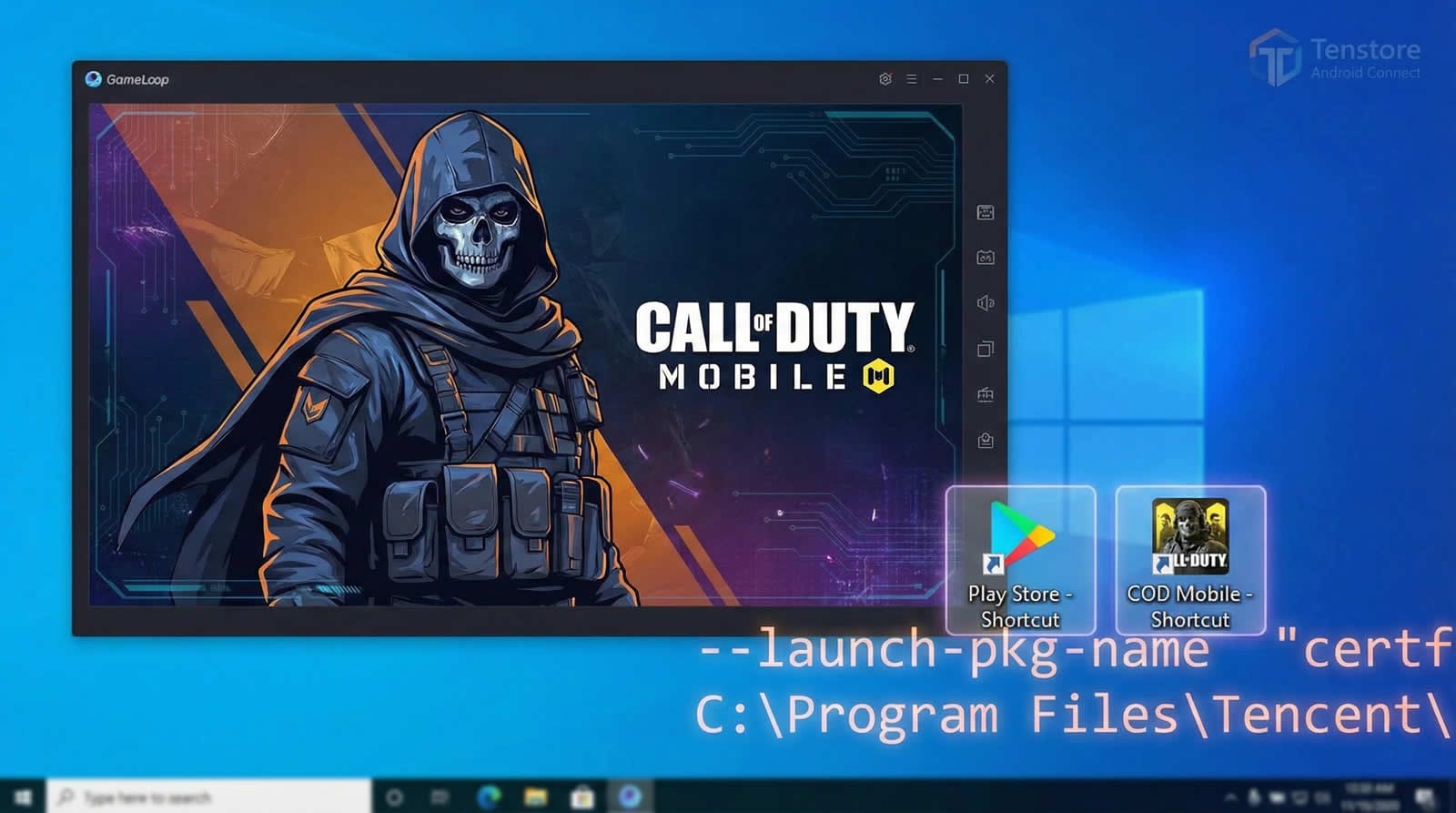
We found a working method to run COD Mobile and PUBG on Tenstore Android Connect and published a dedicated guide.
Tenstore Android Connect guide (COD Mobile and PUBG method)
Even if gameplay feels smooth, treat this carefully:
Until Tencent officially declares support for these titles on that build, you should assume the risk profile is different from playing on a clearly supported emulator path. That can include a non zero risk of account enforcement.
6) We also published a COD Mobile Smart Keymap solution
Smart keymapping is what makes COD Mobile controls feel “right” on mouse and keyboard, not just “mapped.”
GameloopHub published a dedicated Smart Keymap solution for COD Mobile.
7) Why GameLoop 32 bit is the safest recommendation today
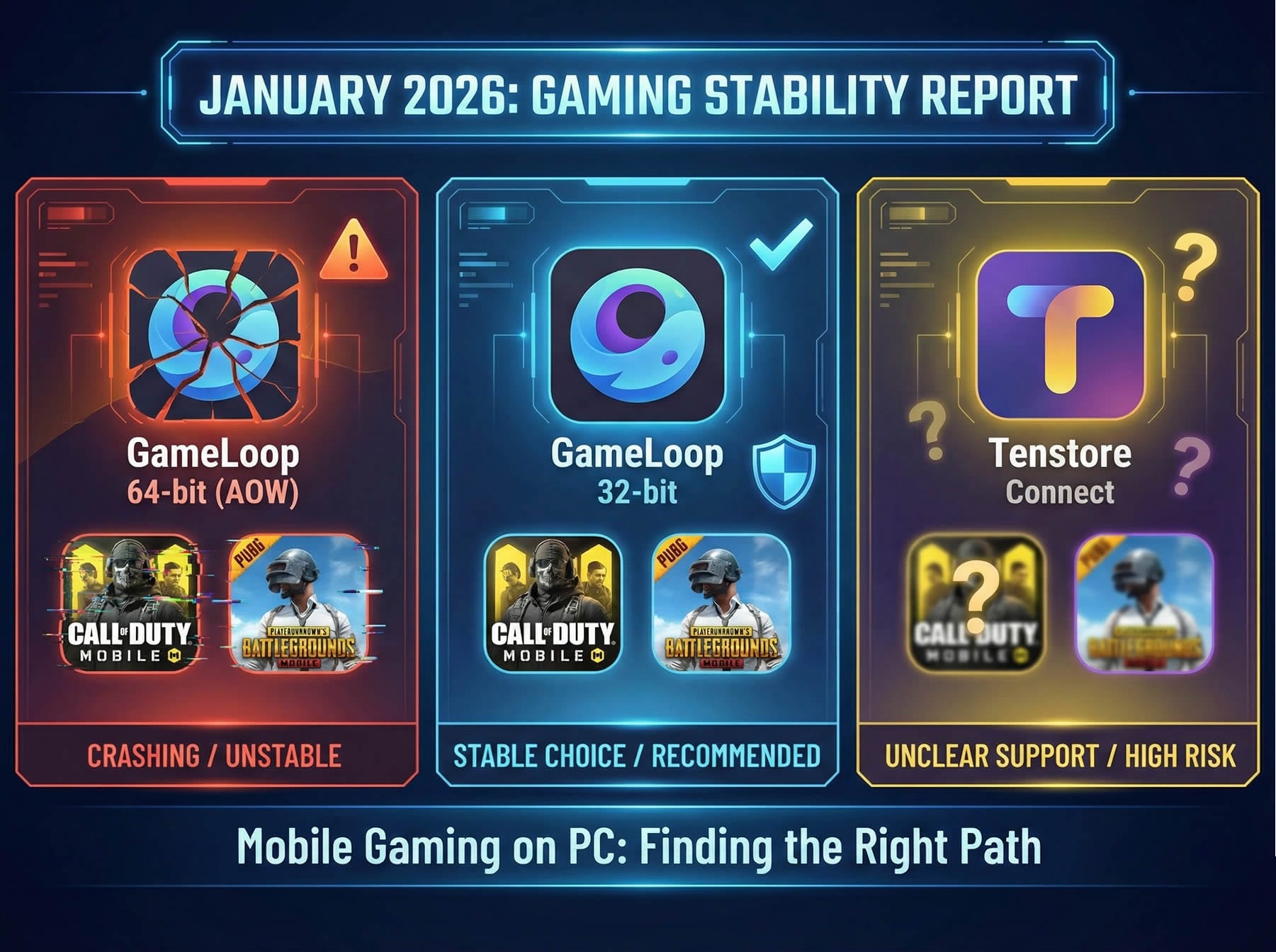
Put the current options side by side:
• GameLoop 64-bit is currently unstable for many COD Mobile players
• Tenstore Android Connect can run smoothly, but official CODM and PUBG support is still unclear, which elevates risk
• GameLoop 32 bit remains the most stable and predictable choice for players who want to play now with the lowest friction
That is why gameloop 32 bit is still the most logical option right now for stability focused users.
8) GameLoop 32 bit is not visible in the main official UI, but the official CDN build still exists
Many users assume 32 bit is “gone” because it is not prominently shown on the official download interface. In practice, it is often just not promoted.
At GameloopHub, we keep access to the official CDN download path for the latest GameLoop 32-bit build so users can download from a legitimate source.
Download GameLoop 32 bit via official CDN (latest available build)
9) Recommended install approach for the cleanest experience
Uninstall your current GameLoop installation
Delete leftover GameLoop files (clean removal)
GameLoop can leave behind configuration folders, cached files, and drivers that may cause issues after reinstall. Follow this step by step guide to remove everything properly:
Clean Removal GuideRestart your PC
Download the latest GameLoop 32 bit from our official CDN page
Install to a consistent path (example:
C:\TxGameAssistant)Launch once and let the emulator finish initial setup before rushing into game installs
Apply the keymap fix if you play COD Mobile
FAQ
Is GameLoop 32 bit better than 64 bit?
Not inherently. But in the current situation, GameLoop has publicly listed a COD Mobile crash issue on AOW 64-bit and advised switching to AOW 32-bit as a temporary workaround. For most users who want stability today, 32 bit is the practical choice.
Is Tenstore Android Connect safe for COD Mobile and PUBG?
It can run well, but without official support confirmation for those titles on that build, the risk profile is different. Treat it as a higher risk option until support is clearly announced.
Where can I download GameLoop 32 bit if it is not shown on the official website?
GameloopHub provides access to the latest 32-bit build through an official CDN download link.
Download page: https://gameloophub.com/download-gameloop/