
Introduction Call of Duty: Mobile Season 11 (6th Anniversary) is finally here, bringing a ton of new content and the highly anticipated DMZ (Recon) mode. However, for emulator players, the celebration has been cut
GameLoop is frequently updated, and the official website currently prioritizes the 64-bit version for modern systems. However, many users specifically require the GameLoop 32 bit architecture for compatibility reasons. Currently, finding the standalone installer for
This guide is specifically designed for gamers who want to play mobile FPS titles — such as Call of Duty: Mobile, PUBG Mobile, and similar competitive games — on their PC using the GameLoop
To ensure a flawless reinstallation or switch to a newer version of GameLoop, it’s crucial to remove all leftover files, folders, registry entries, and cache from previous installations. Even after using the default uninstall
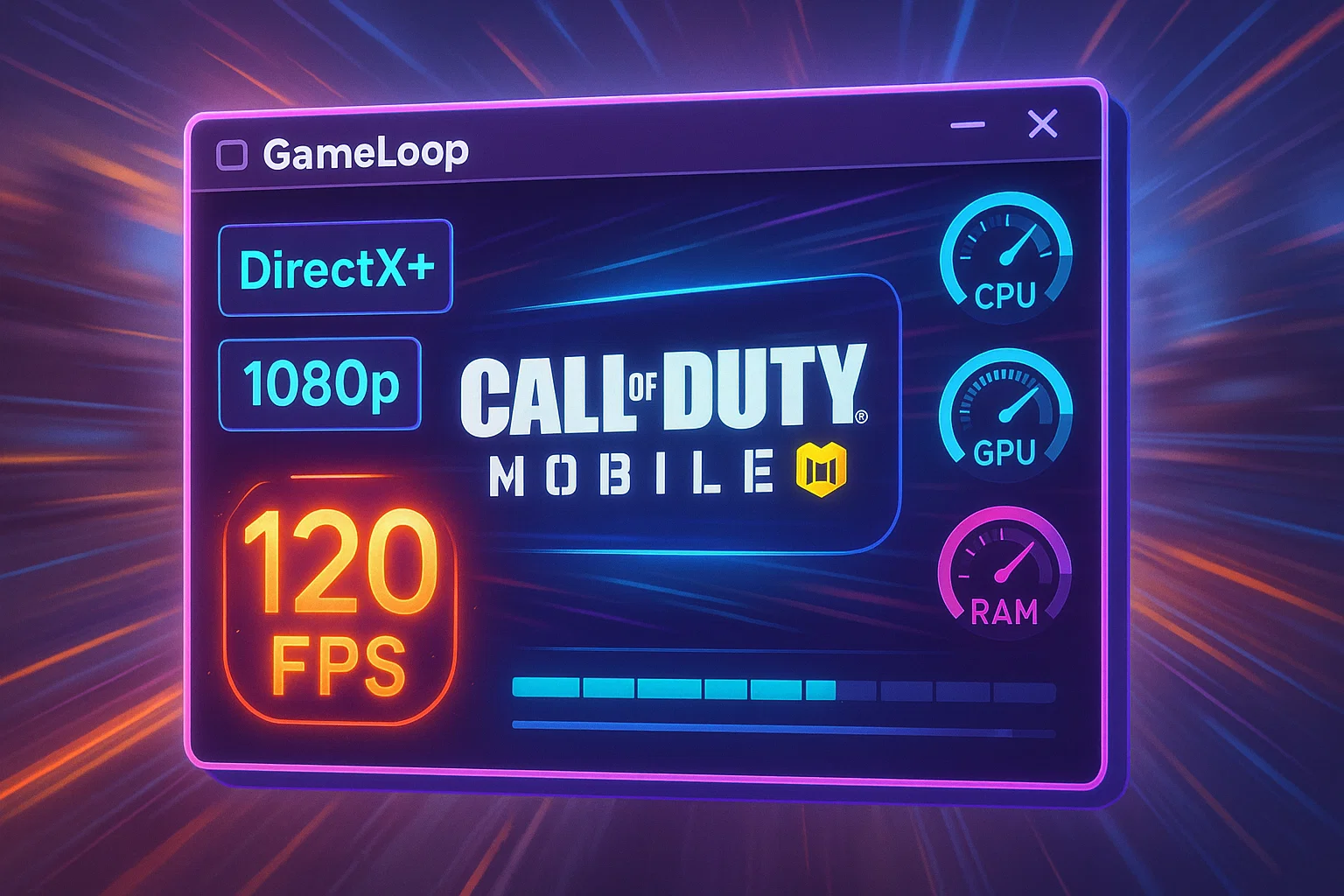
These settings are crucial for achieving optimal performance, especially in fast-paced games like Call of Duty Mobile or PUBG Mobile. Below is a breakdown and recommendation: Rendering Mode: DirectX+ Recommended: ✅ DirectX+ Why: Offers the
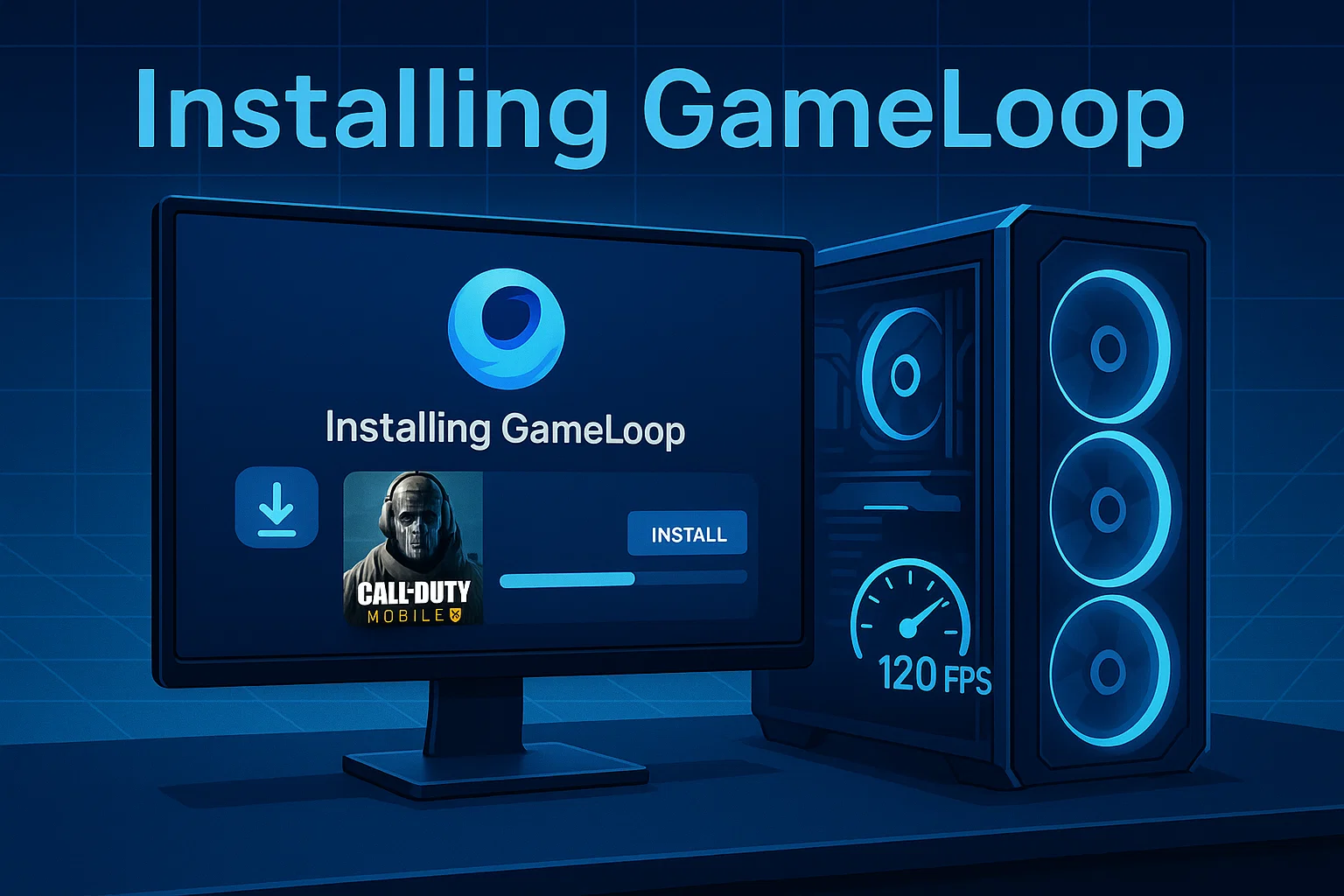
Why This Step Is Essential GameLoop is the official emulator for Call of Duty Mobile, PUBG Mobile, and other popular Android games on PC.To ensure maximum performance and compatibility, we recommend installing GameLoop on
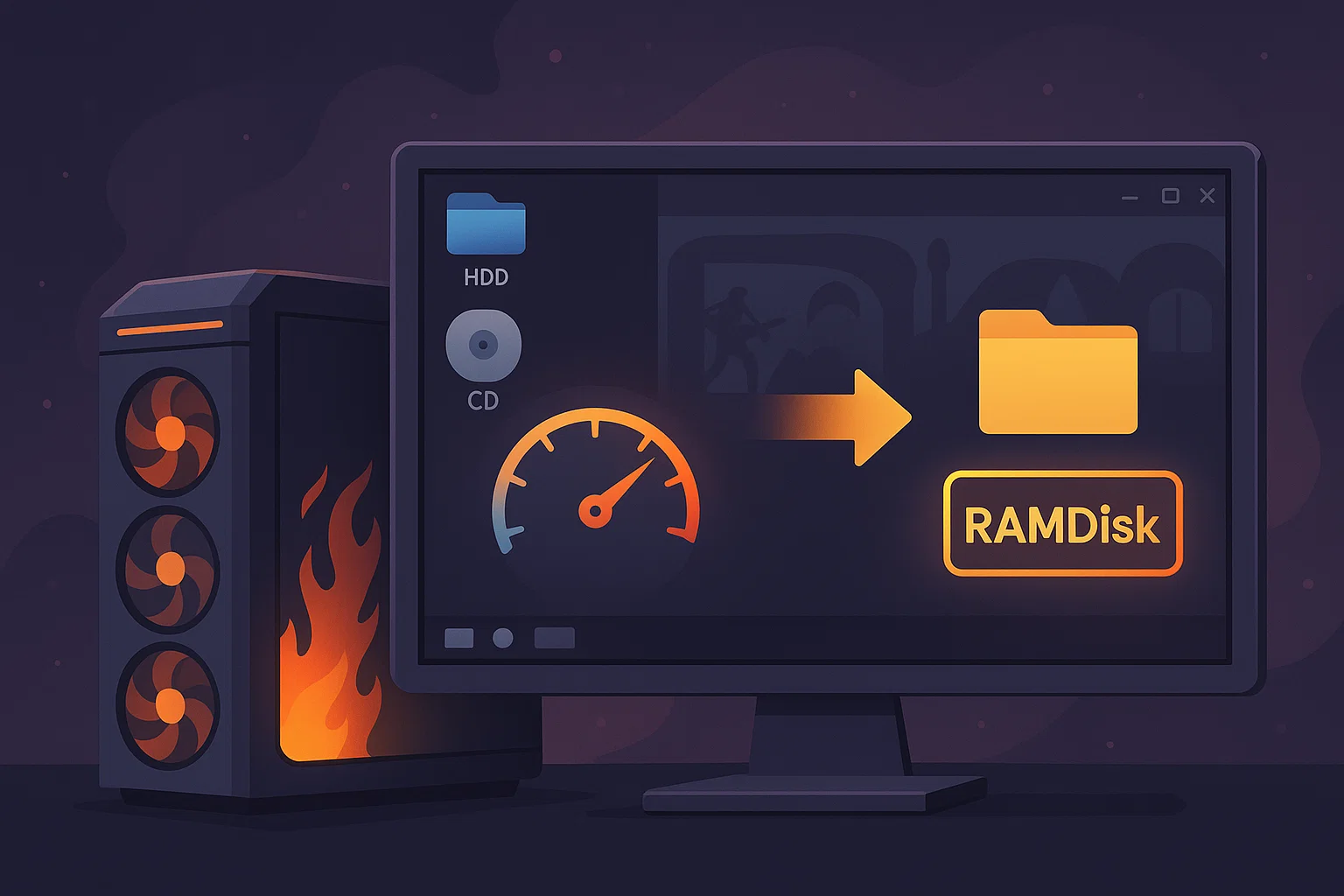
Relocating high-read/write directories such as Windows temp folders and GameLoop emulator cache to a RAMDisk can drastically improve system responsiveness, FPS stability, and map loading times. This guide walks you through the safest and
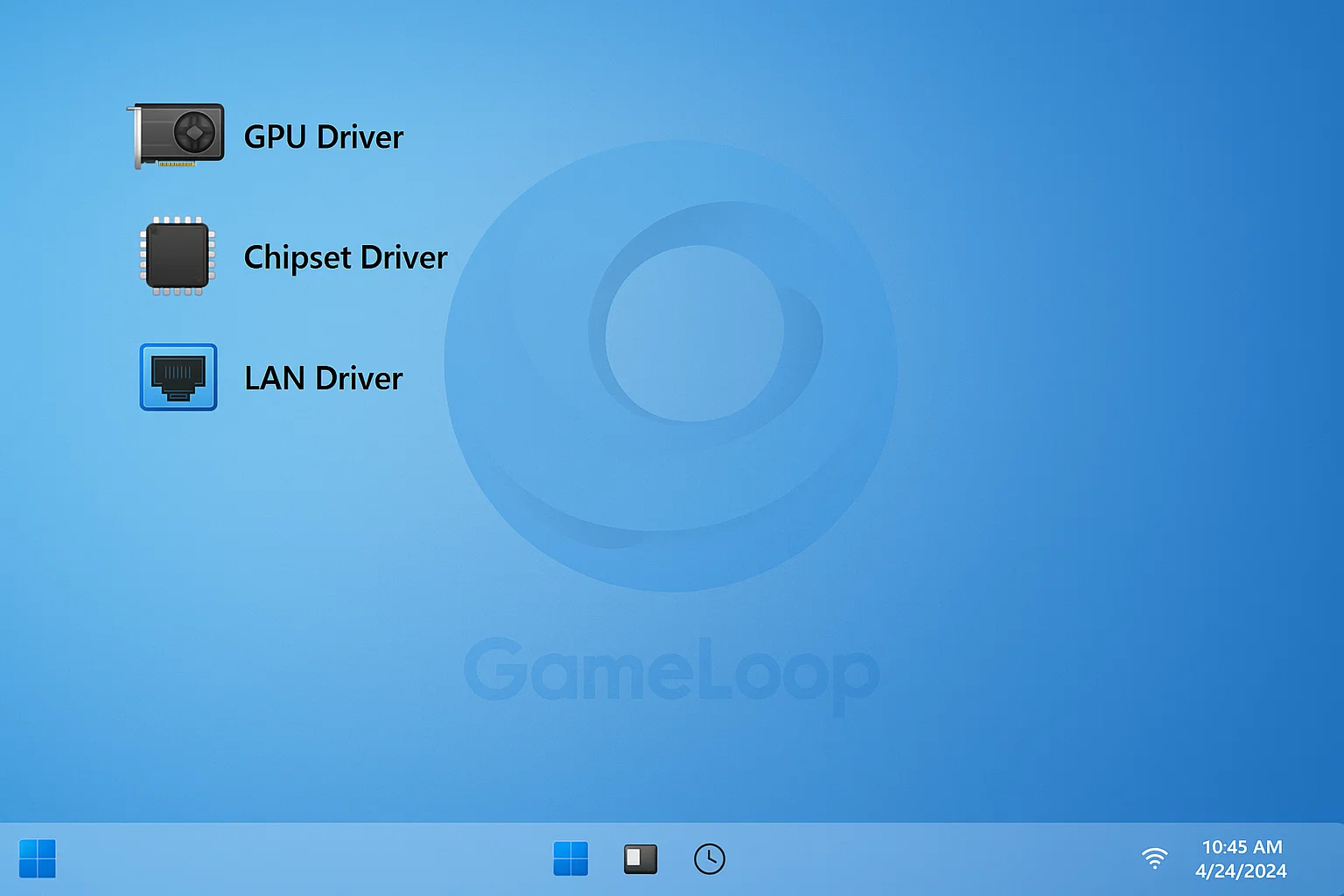
After completing your first boot configurations, the next step is to install only the essential drivers your system needs. Avoid using driver update tools, vendor bloatware (like Armoury Crate, Dragon Center, or Dell Update), and
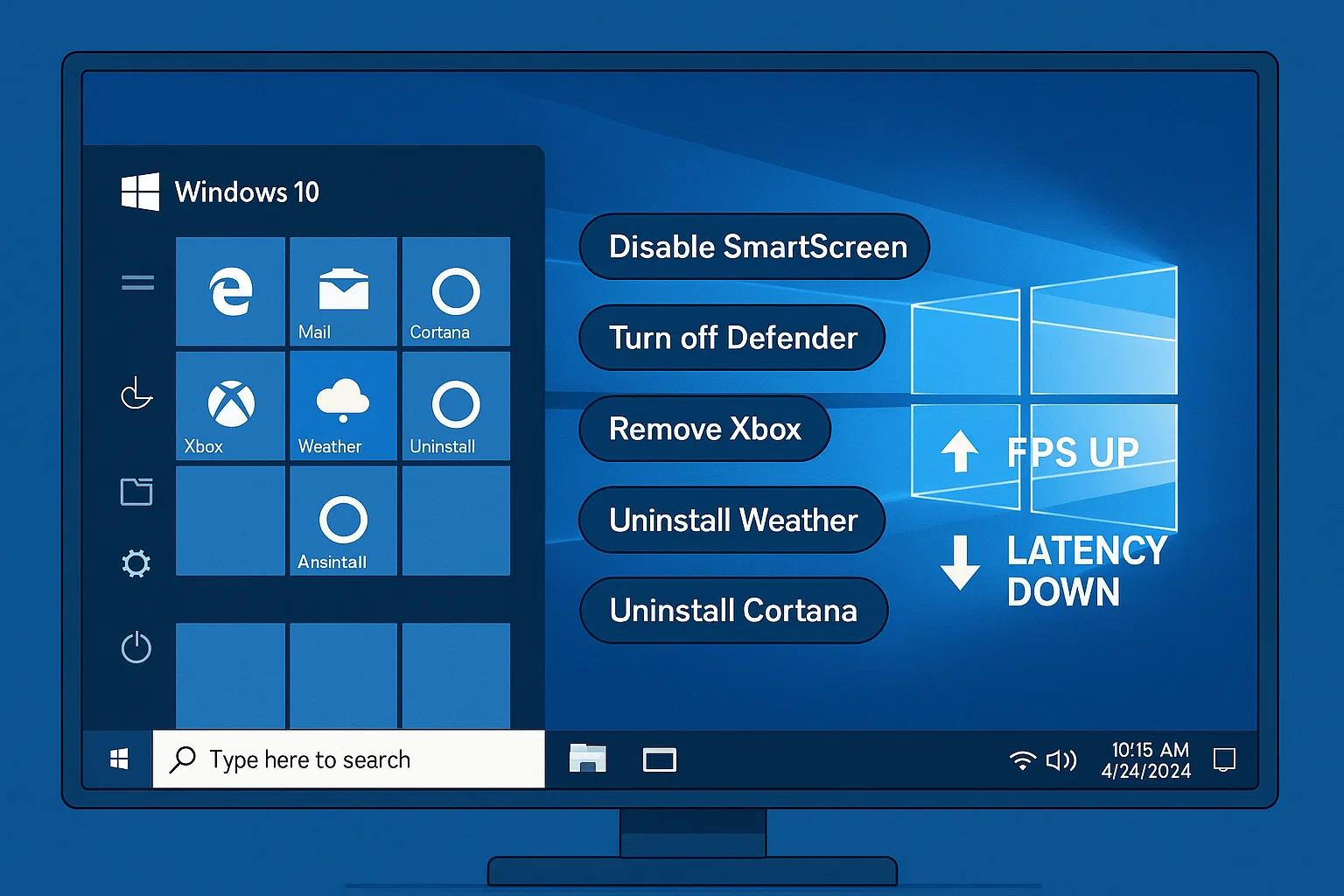
After a clean Windows installation, the first boot is your golden opportunity to take control of your system — before Windows tries to take control of you. By default, Windows 10 automatically enables dozens
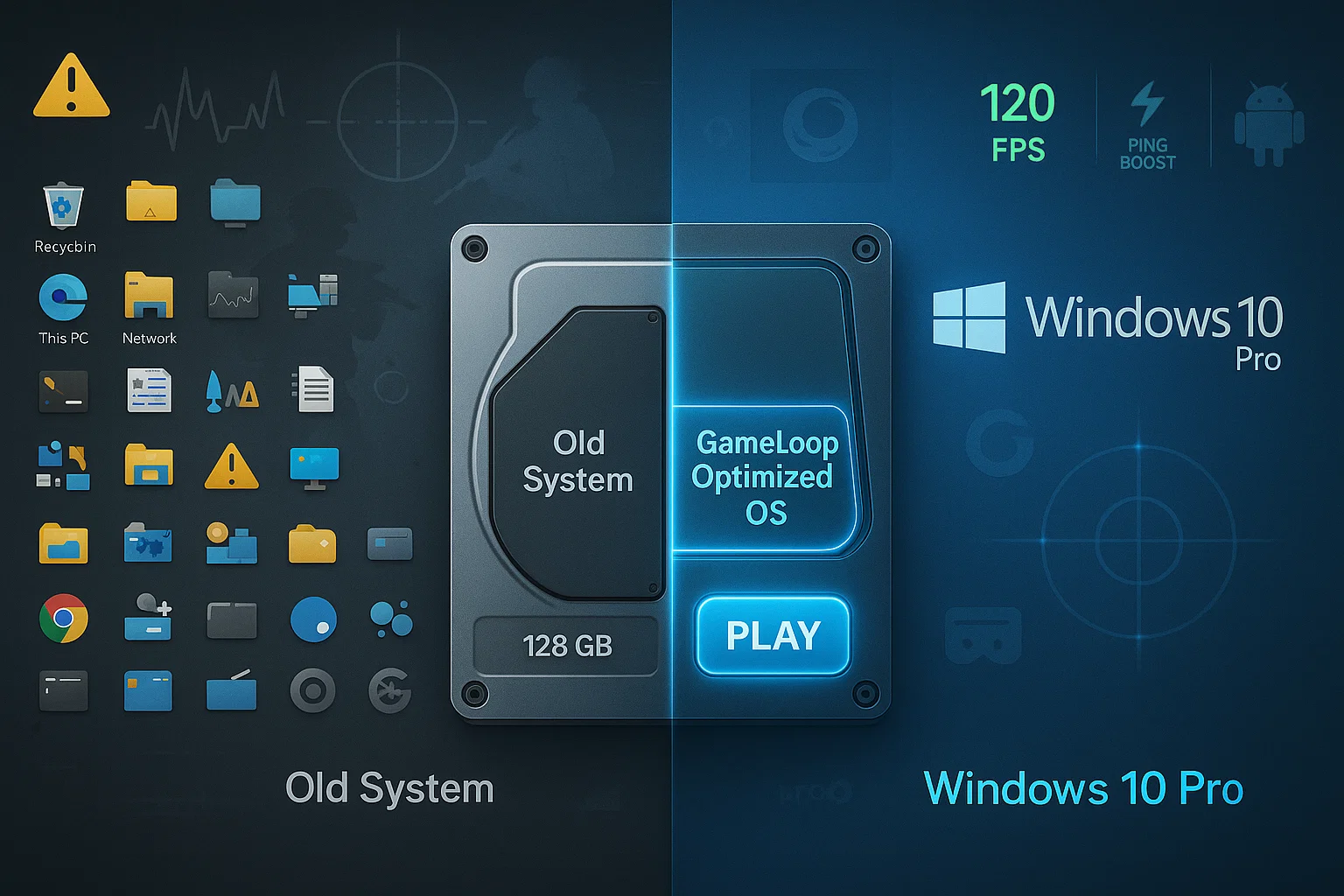
A clean and dedicated Windows installation is the most effective way to achieve maximum performance with GameLoop. However, wiping your entire drive may not be practical for everyone. This guide will walk you through

GameLoopHub is an independent community platform dedicated to mobile gamers who play via emulator.
We provide guides, forums, and a space to connect with like-minded players and streamers.
Not affiliated with Tencent or GameLoop.
© 2025 • gameloophub.com – All rights reserved • This platform is not affiliated with Tencent or the official GameLoop emulator. Built independently for the global emulator gaming community.