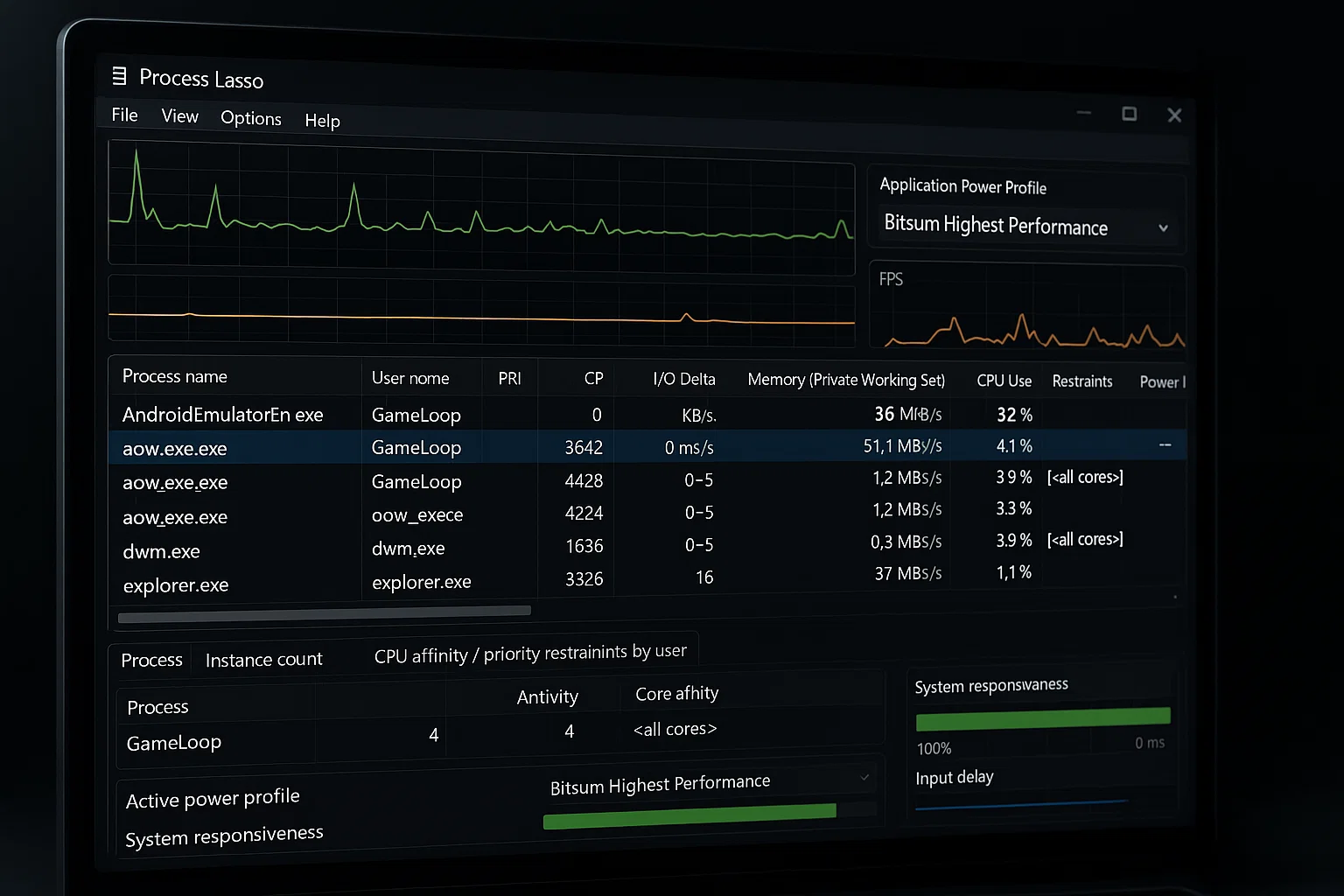
To prevent stuttering, lag spikes, and unexpected frame drops during gameplay, it's essential to manually configure how your system prioritizes GameLoop processes at the CPU level. By assigning proper CPU Priority and Core Affinity
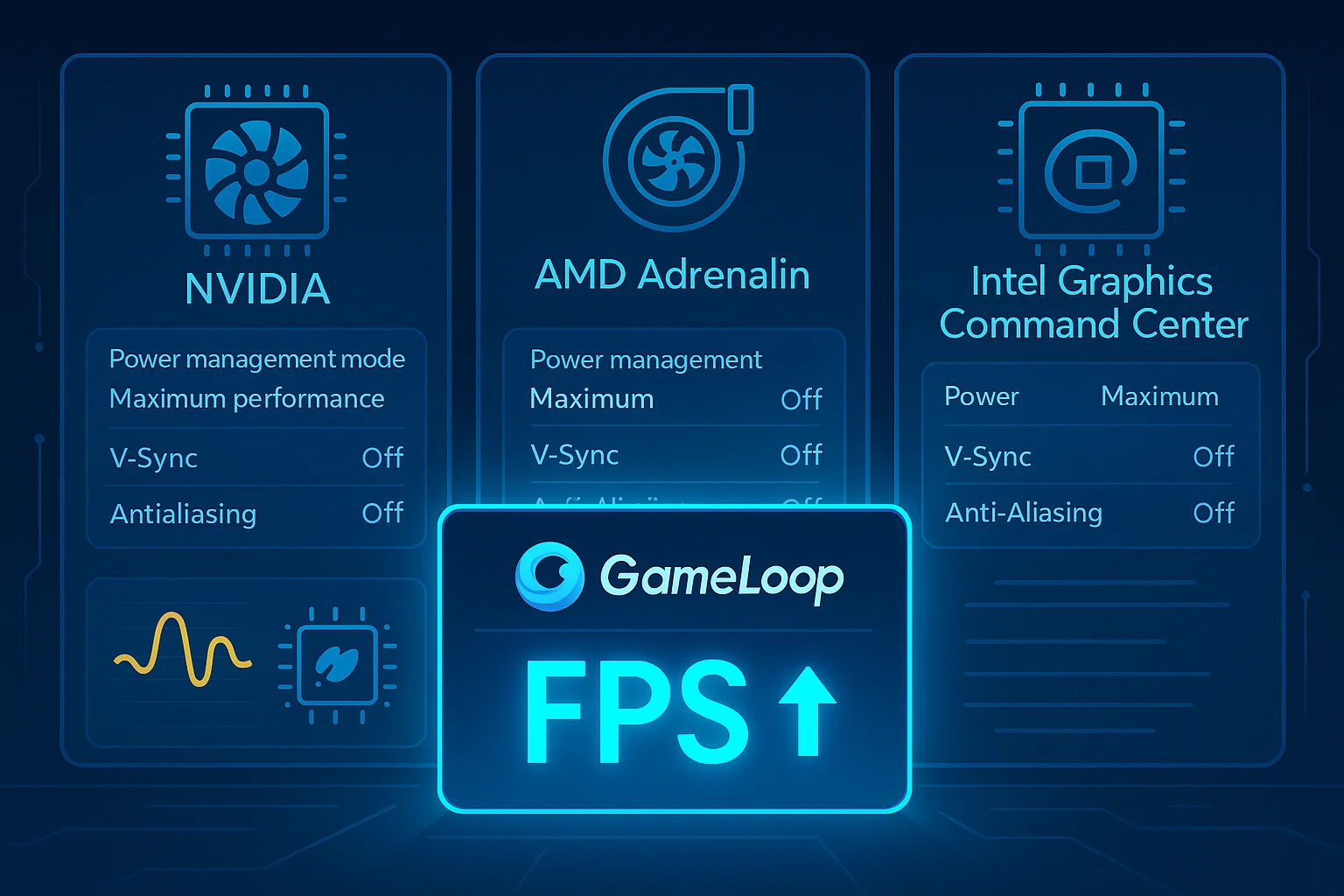
Configure your graphics driver for maximum performance in GameLoop — regardless of brand or model. Why It Matters Whether you use NVIDIA, AMD, or Intel graphics, your driver settings can drastically affect GameLoop’s: Frame
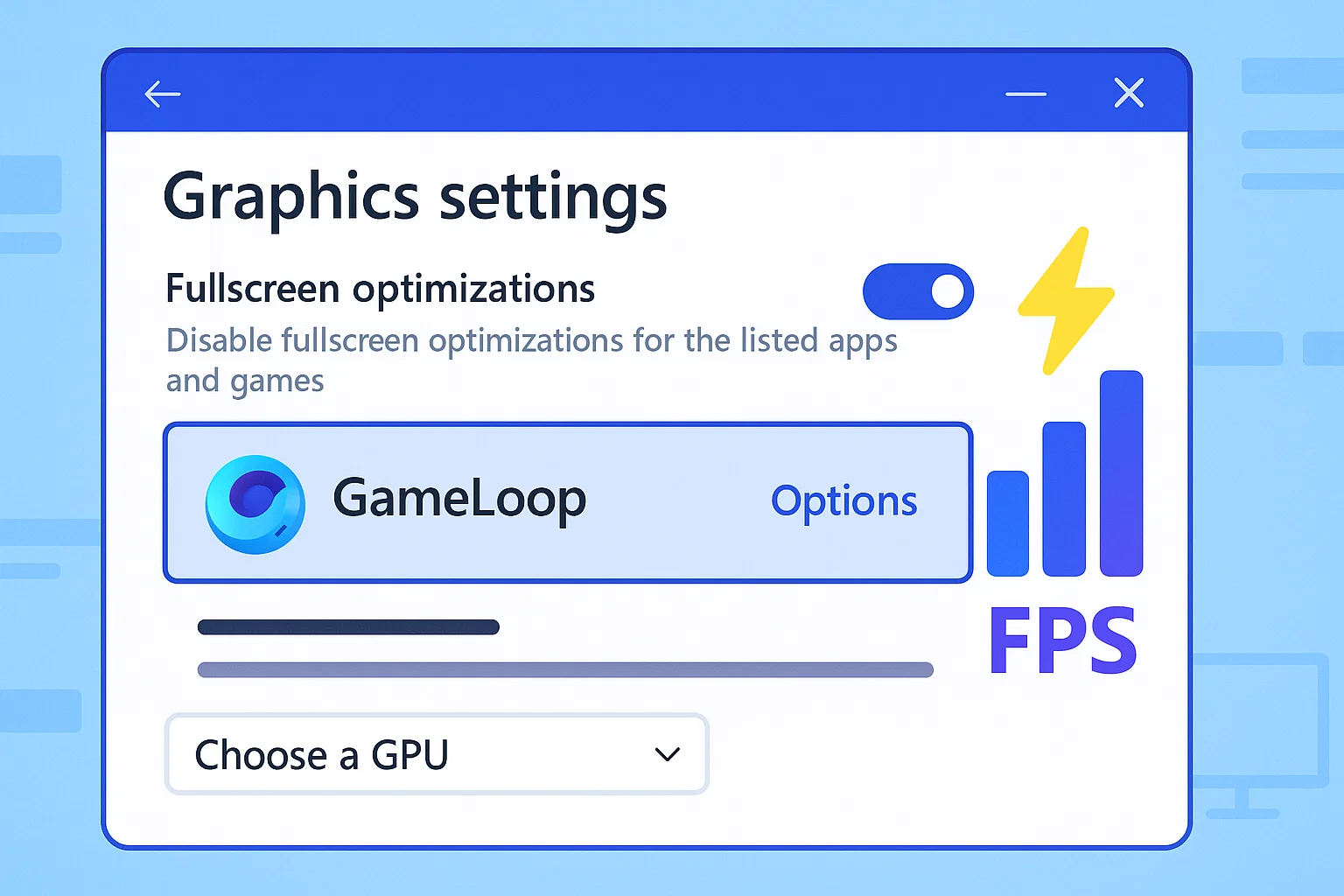
Optimizing your GameLoop experience doesn't always require third-party tools or complex tweaks. Windows itself offers several built-in options to make sure your emulator runs on the correct GPU, uses the right performance mode, and
To ensure a flawless reinstallation or switch to a newer version of GameLoop, it’s crucial to remove all leftover files, folders, registry entries, and cache from previous installations. Even after using the default uninstall
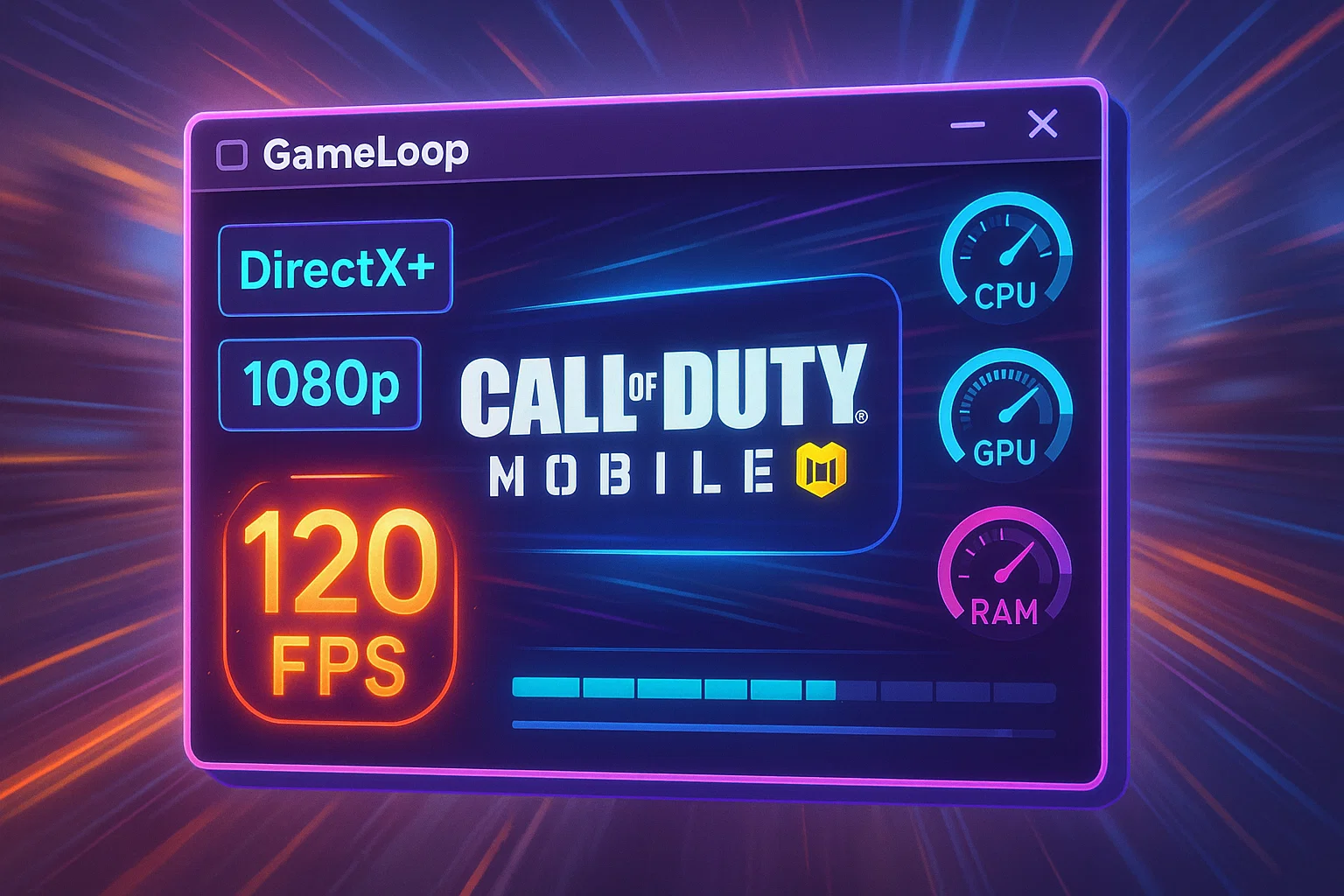
These settings are crucial for achieving optimal performance, especially in fast-paced games like Call of Duty Mobile or PUBG Mobile. Below is a breakdown and recommendation: Rendering Mode: DirectX+ Recommended: ✅ DirectX+ Why: Offers the
Why This Step Is Essential GameLoop is the official emulator for Call of Duty Mobile, PUBG Mobile, and other popular Android games on PC.To ensure maximum performance and compatibility, we recommend installing GameLoop on
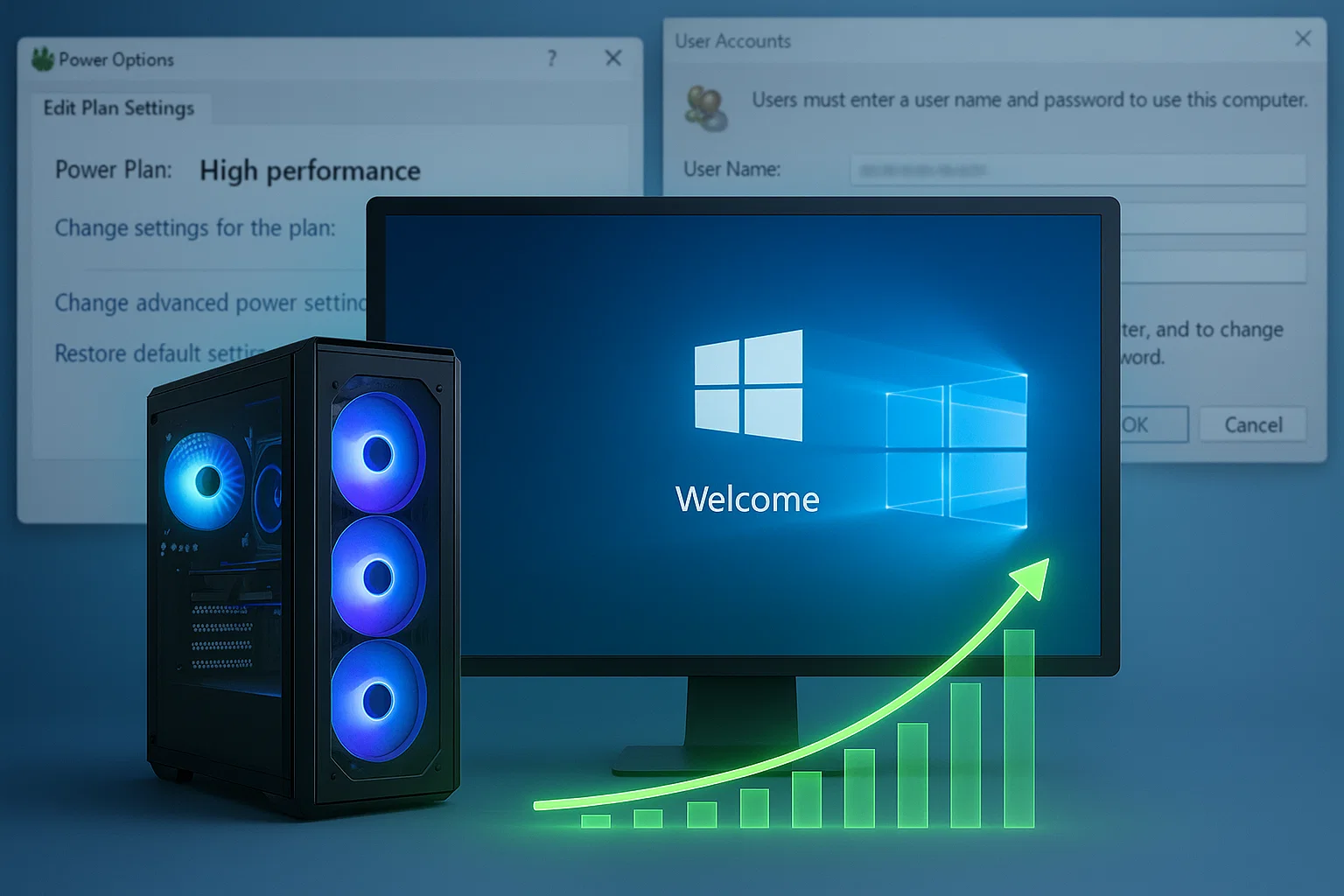
By enabling automatic login, you shave off unnecessary seconds at boot and avoid session delays that can stack up — especially on a streamlined, gaming-only system. Meanwhile, activating the High Performance power plan ensures your
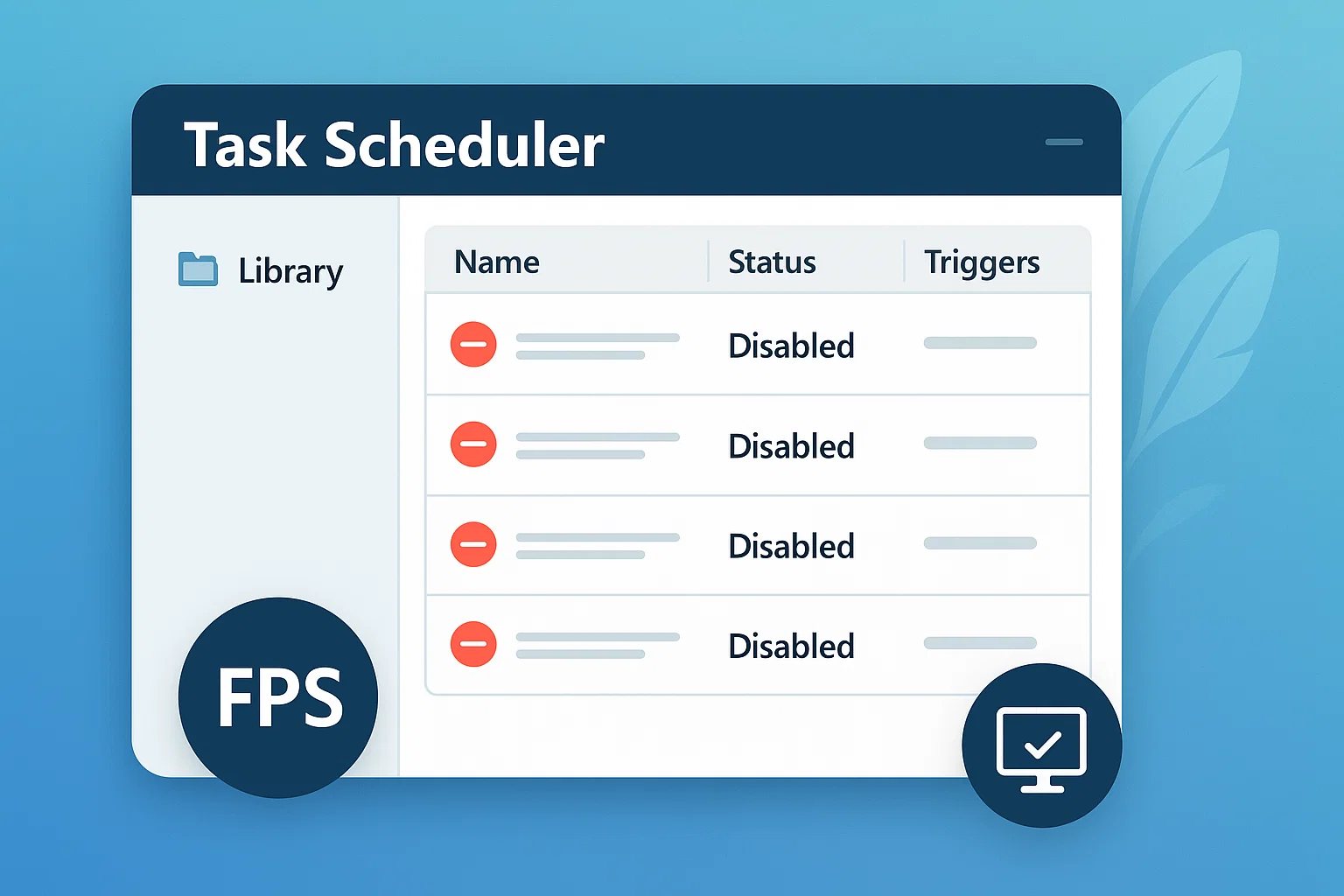
Windows automatically creates dozens of scheduled background tasks — from telemetry uploads to maintenance routines. While some of them are useful in office or general-purpose environments, they're completely unnecessary in a clean gaming-focused system,
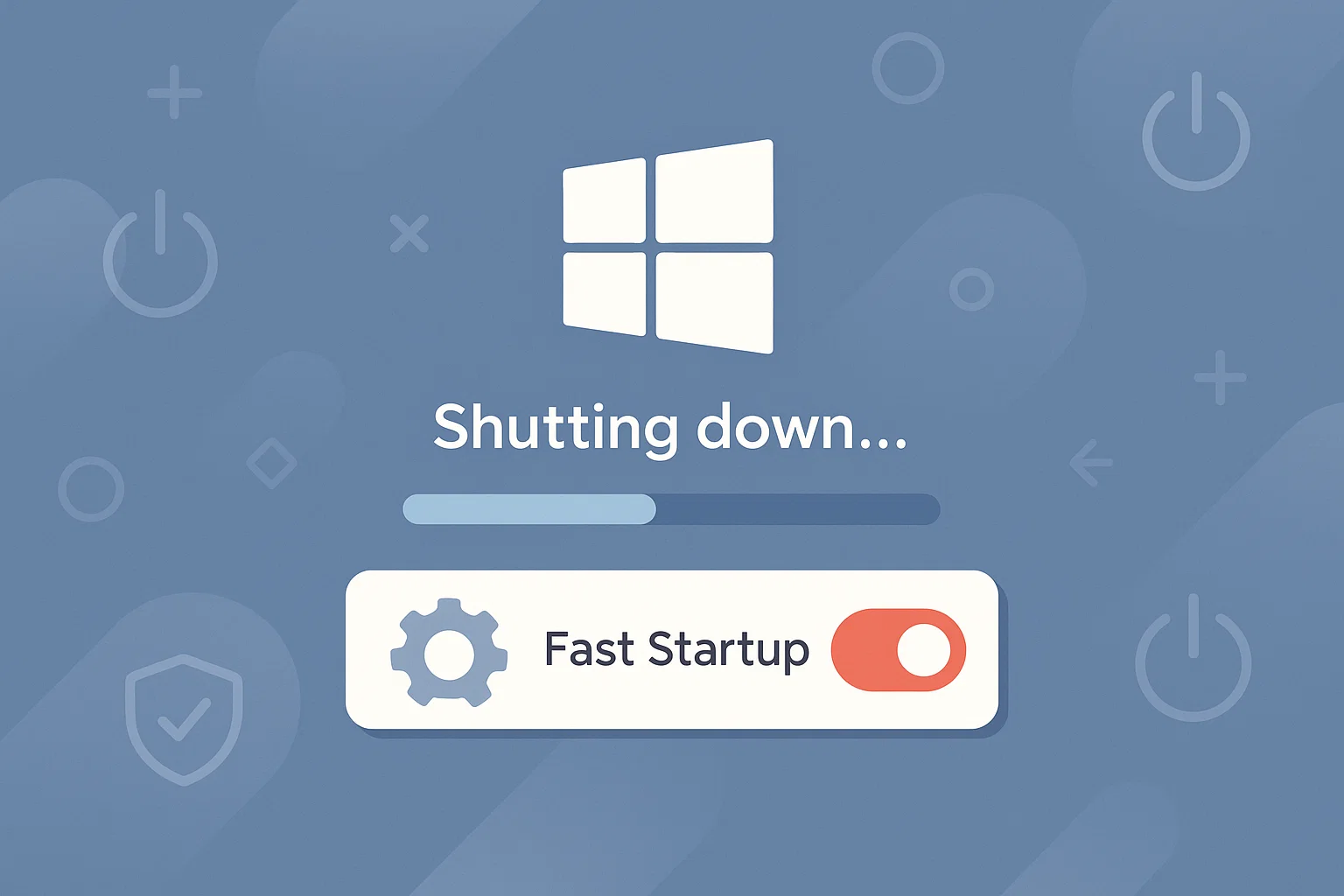
Fast Startup is a hybrid shutdown feature that combines elements of hibernation and traditional shutdown. While it aims to boot the system faster, it can often prevent drivers and critical services from resetting properly —
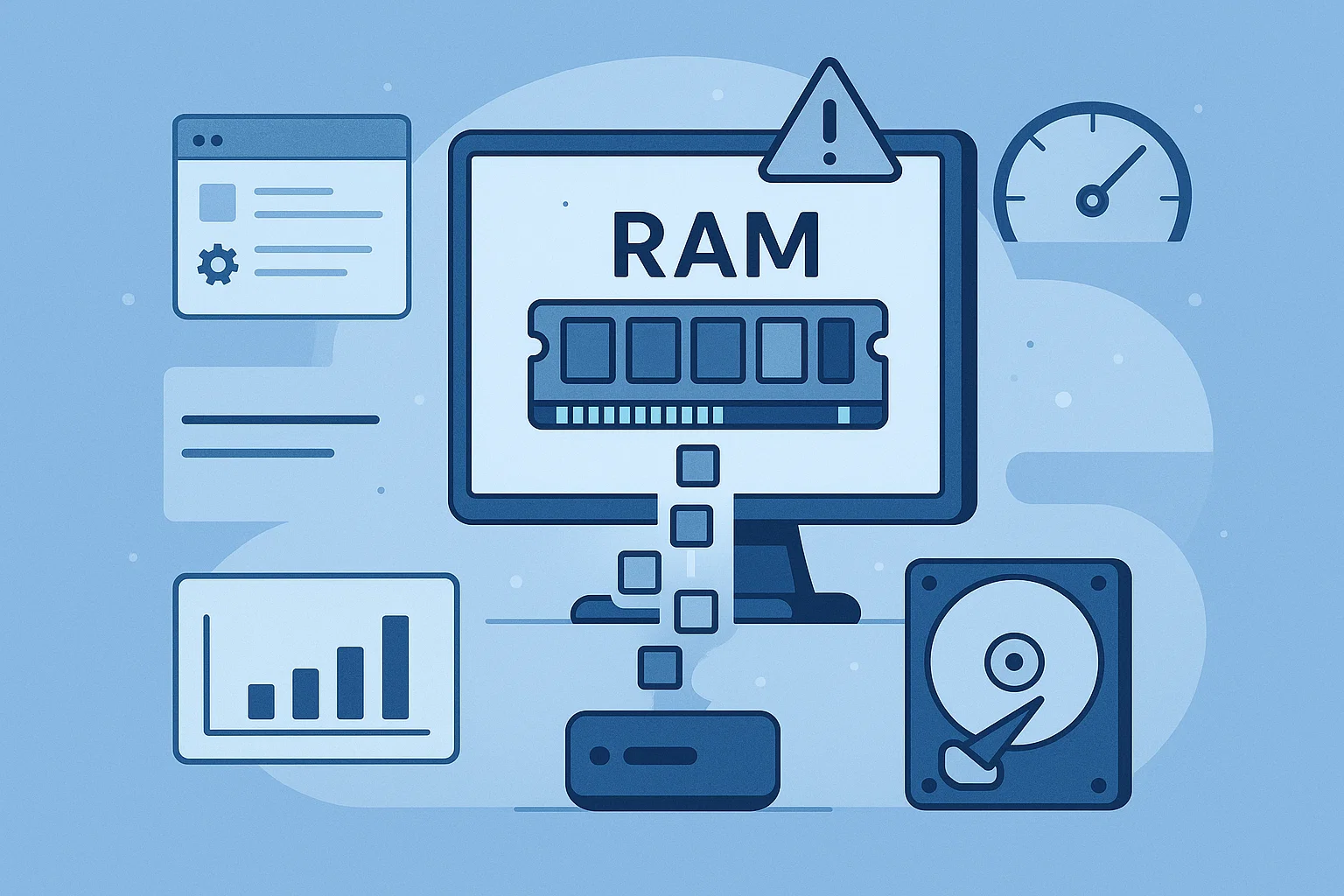
When your system runs out of physical RAM, it uses a reserved portion of the disk called the paging file (or virtual memory). By default, Windows manages this size dynamically — but on a

GameLoopHub is an independent community platform dedicated to mobile gamers who play via emulator.
We provide guides, forums, and a space to connect with like-minded players and streamers.
Not affiliated with Tencent or GameLoop.
© 2025 • gameloophub.com – All rights reserved • This platform is not affiliated with Tencent or the official GameLoop emulator. Built independently for the global emulator gaming community.