
We're excited to announce that the official GameLoopHUB YouTube channel is now up and running! Whether you're looking to boost FPS, optimize your emulator, or discover rising streamers — our content is made for
This guide is specifically designed for gamers who want to play mobile FPS titles — such as Call of Duty: Mobile, PUBG Mobile, and similar competitive games — on their PC using the GameLoop
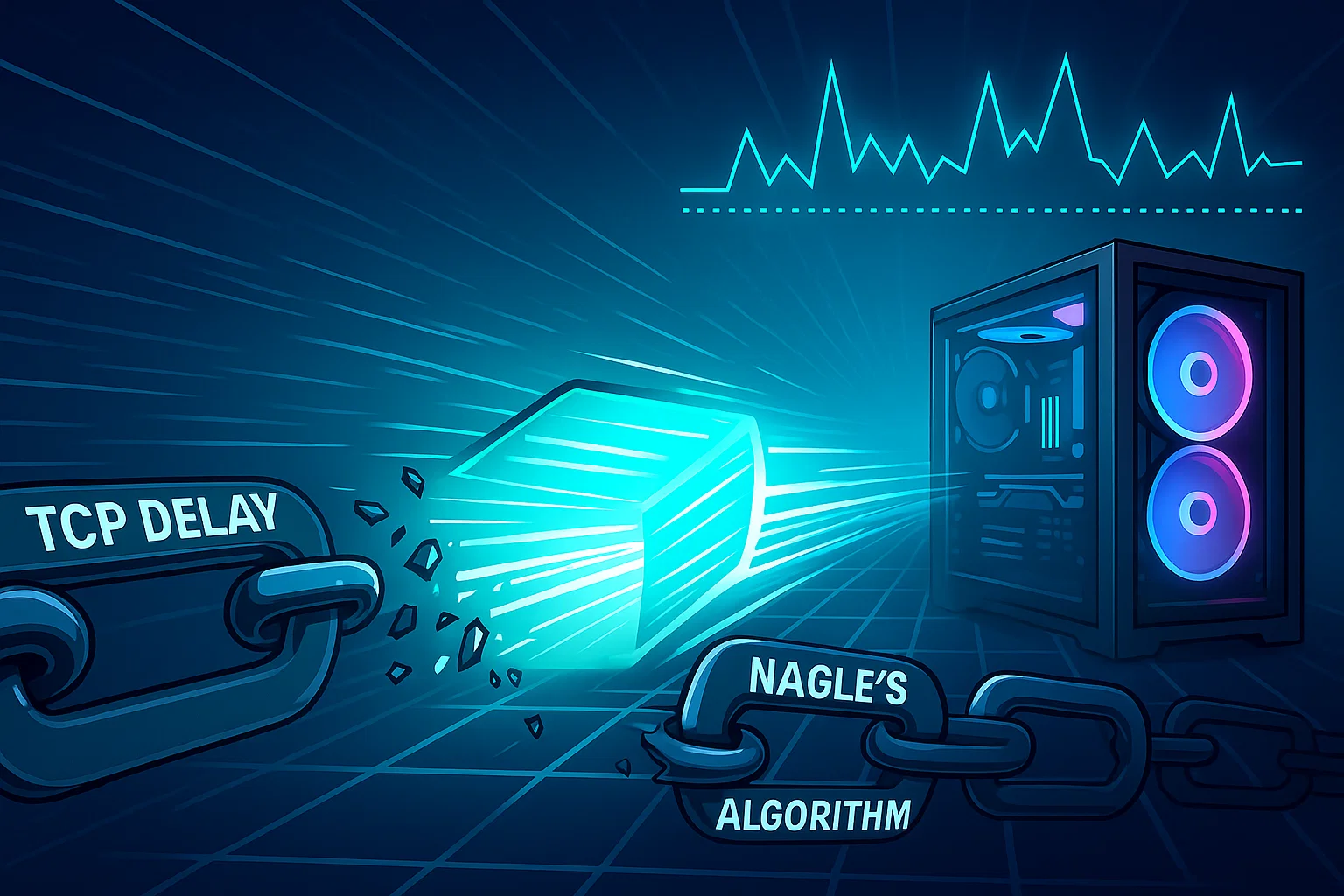
For Lower Ping and Smoother Online Gameplay in GameLoop Nagle’s Algorithm and delayed ACKs are default networking behaviors in Windows that are useful for general browsing — but harmful for gaming. They introduce latency
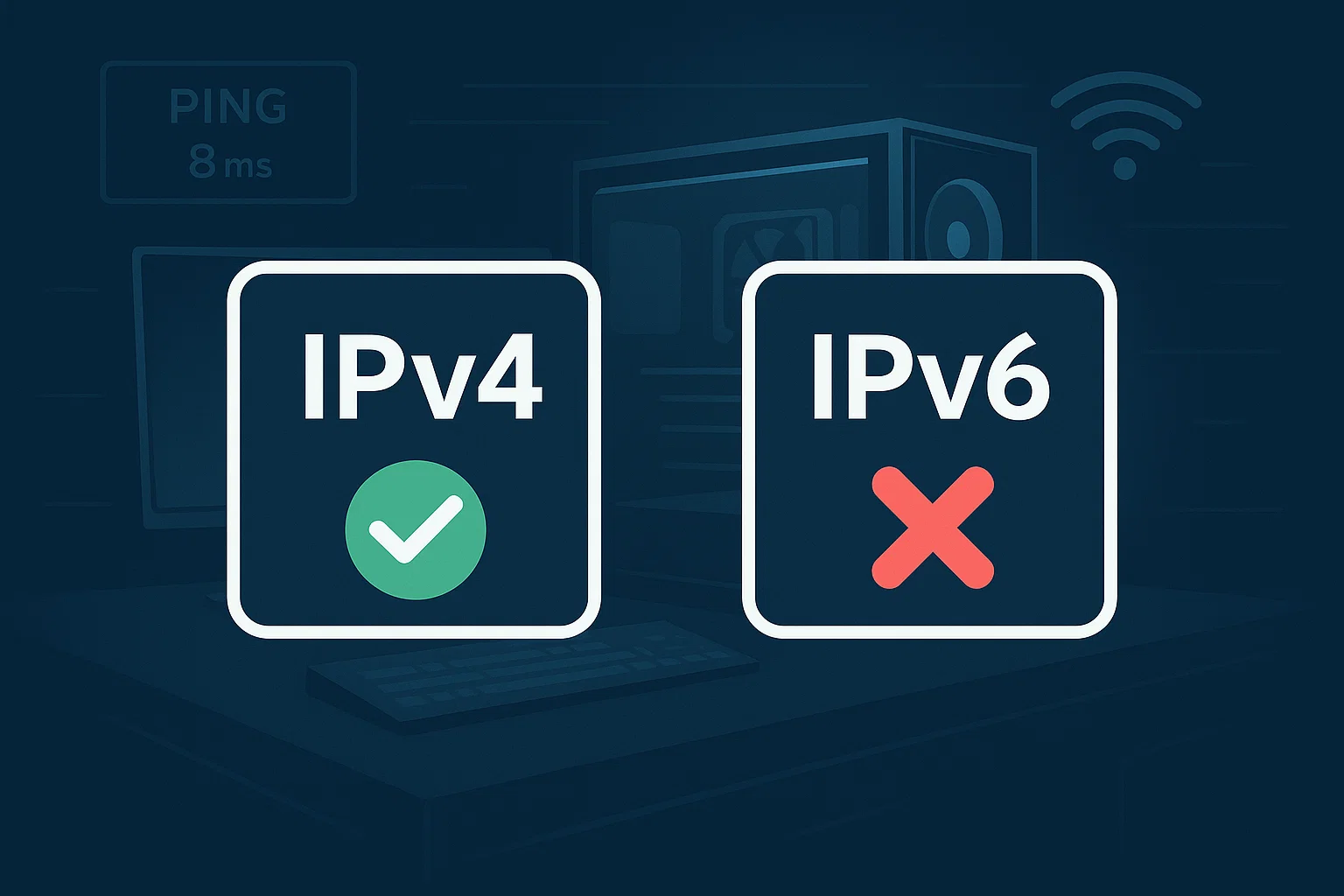
Why Disable IPv6? IPv6 (Internet Protocol version 6) is the modern replacement for IPv4, but many networks, games, and systems — including GameLoop and Call of Duty Mobile — still use IPv4 as the
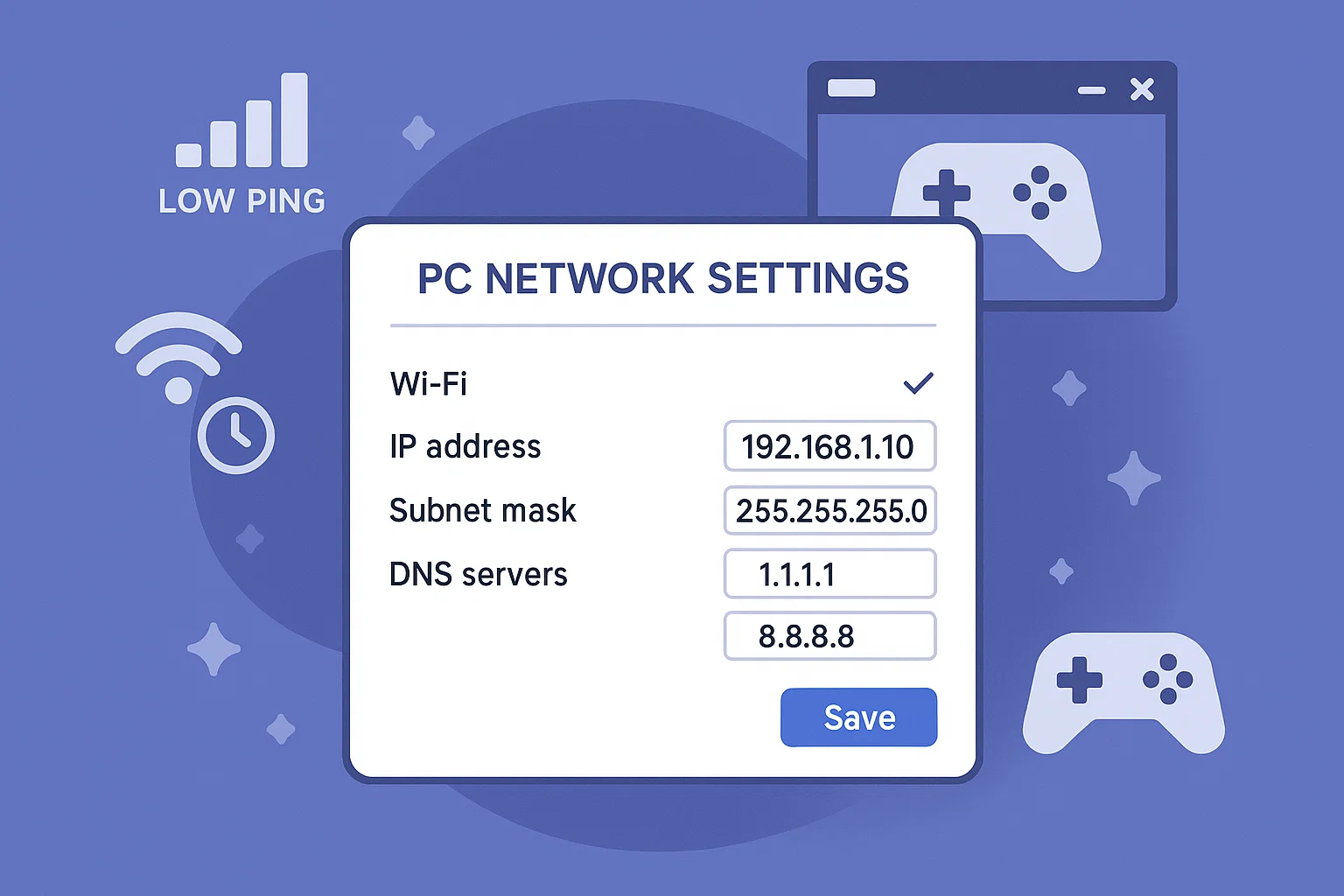
GameLoop relies on your internet connection to communicate with game servers. One of the easiest and safest ways to improve ping and connection stability is by changing your DNS (Domain Name System) settings. This
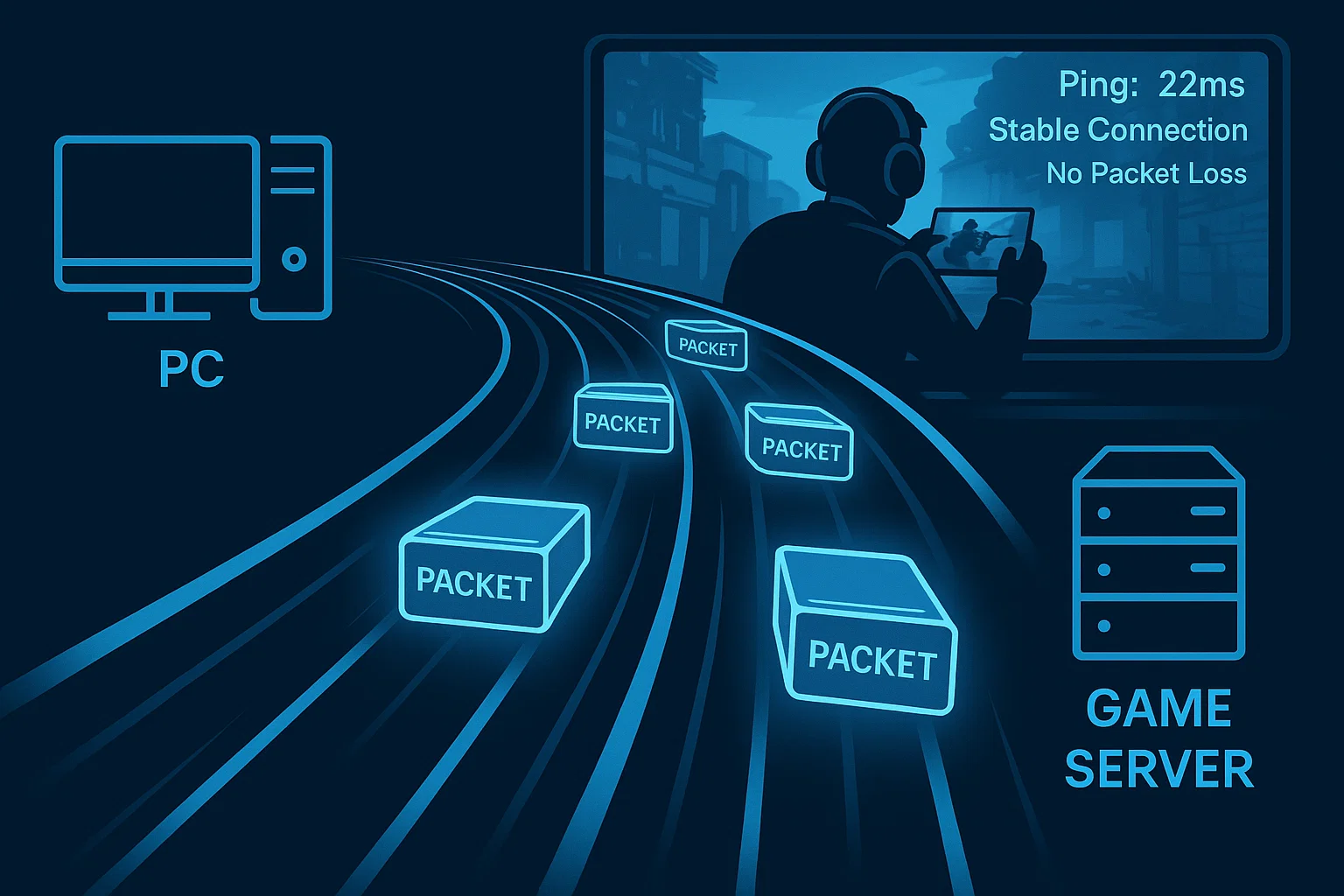
Optimize your network for smoother online gaming What is MTU and Why Does It Matter? MTU (Maximum Transmission Unit) is the maximum size (in bytes) of a single packet that your network can send
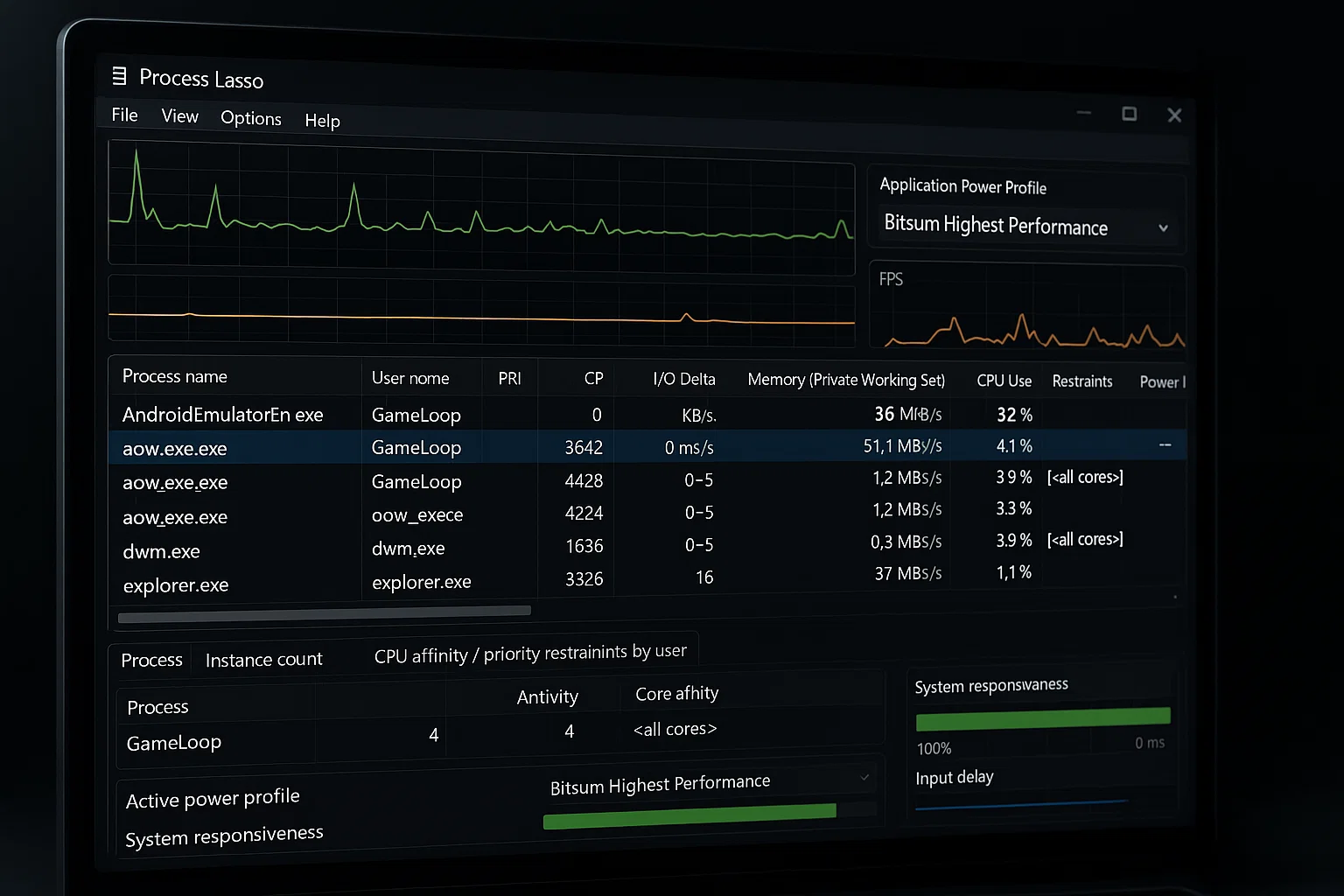
To prevent stuttering, lag spikes, and unexpected frame drops during gameplay, it's essential to manually configure how your system prioritizes GameLoop processes at the CPU level. By assigning proper CPU Priority and Core Affinity
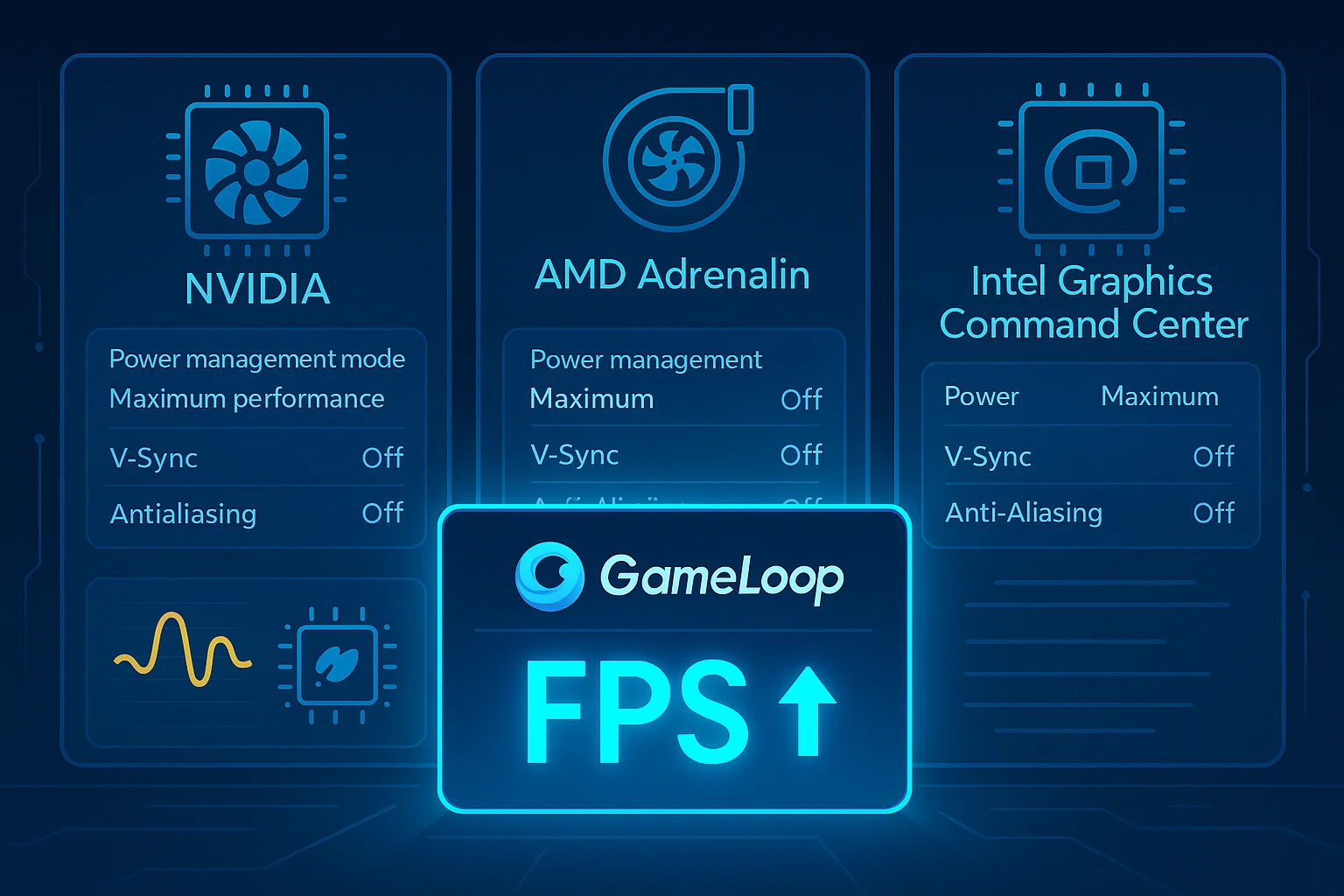
Configure your graphics driver for maximum performance in GameLoop — regardless of brand or model. Why It Matters Whether you use NVIDIA, AMD, or Intel graphics, your driver settings can drastically affect GameLoop’s: Frame
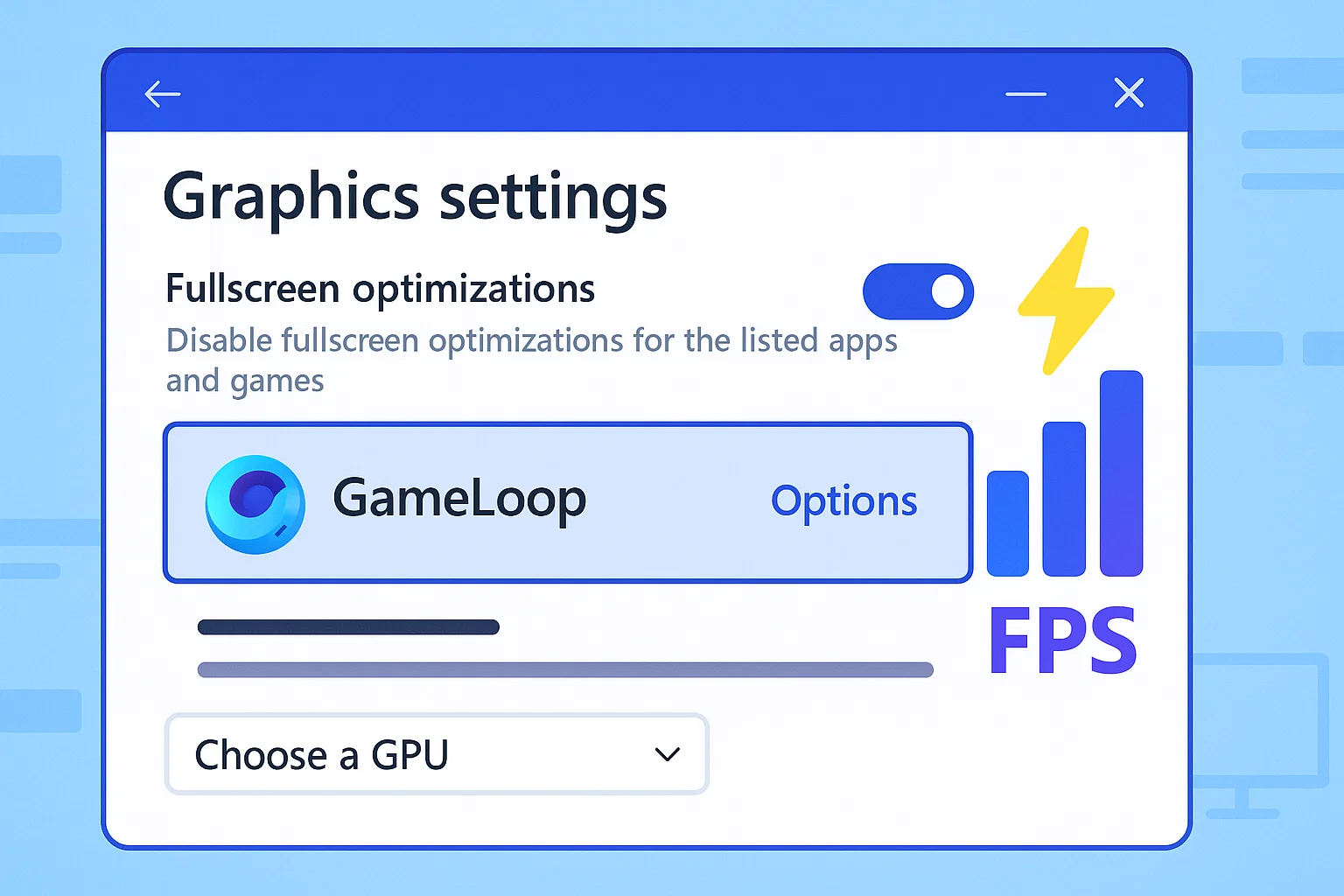
Optimizing your GameLoop experience doesn't always require third-party tools or complex tweaks. Windows itself offers several built-in options to make sure your emulator runs on the correct GPU, uses the right performance mode, and
To ensure a flawless reinstallation or switch to a newer version of GameLoop, it’s crucial to remove all leftover files, folders, registry entries, and cache from previous installations. Even after using the default uninstall

GameLoopHub is an independent community platform dedicated to mobile gamers who play via emulator.
We provide guides, forums, and a space to connect with like-minded players and streamers.
Not affiliated with Tencent or GameLoop.
© 2025 • gameloophub.com – All rights reserved • This platform is not affiliated with Tencent or the official GameLoop emulator. Built independently for the global emulator gaming community.