PUBG Smart Keymap + Graphic Fix + 120 FPS (Tenstore Android Connect)
Usage Guide
Download PUBG Smart Keymap + Graphic Fix + 120 FPS Tool
This tool imports a stable smart keymap into the Tenstore Android Connect GameLoop build, prevents keymap corruption, and helps you apply higher performance settings (including FPS and device model profiles where supported).
Before You Start
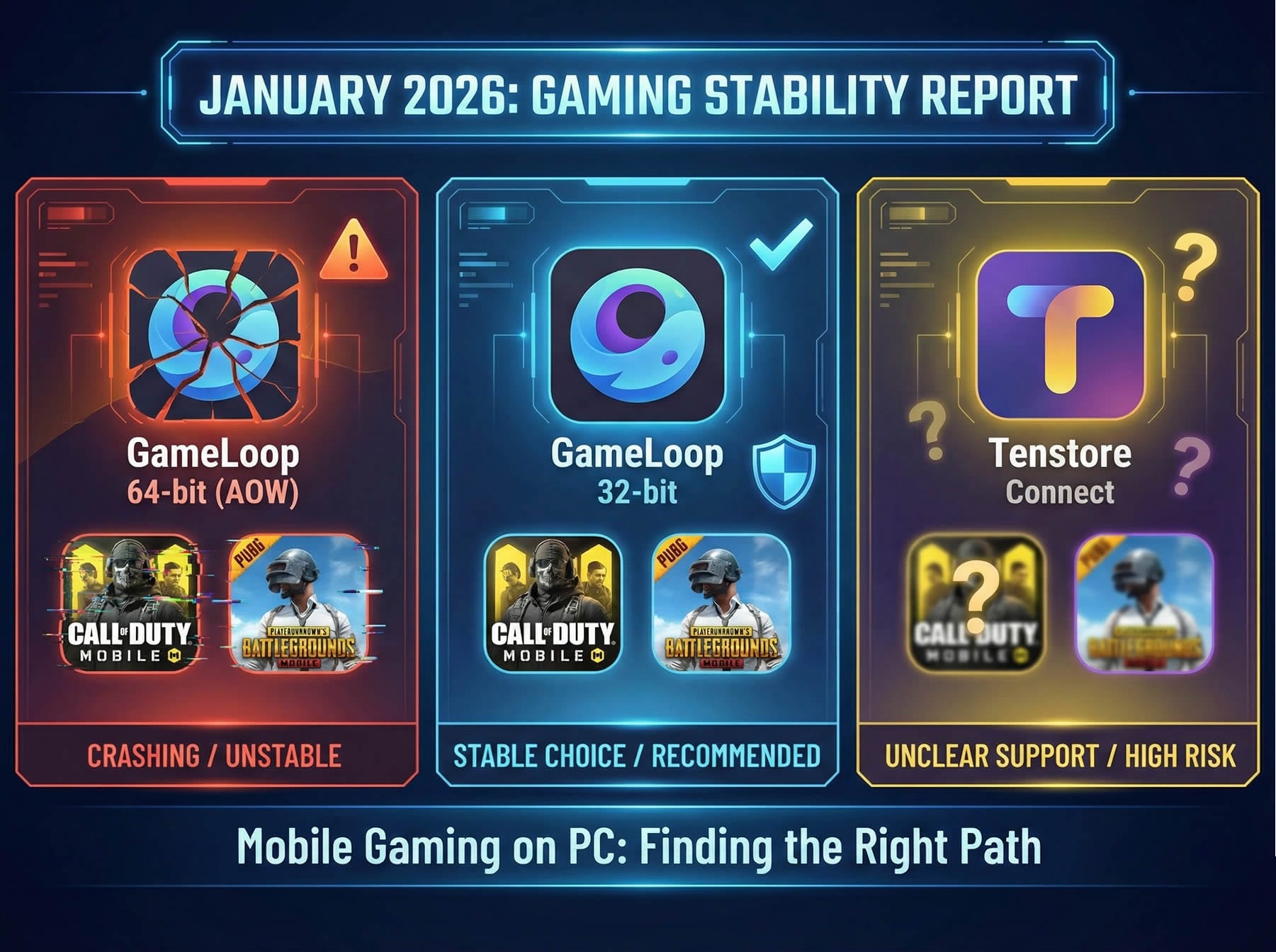
This tool is for Tenstore Android Connect only. Classic GameLoop (32-bit/64-bit) is not supported.
Close GameLoop before applying changes (recommended).
If your antivirus blocks the tool, add an exception for the tool folder (optional, depending on user setup).
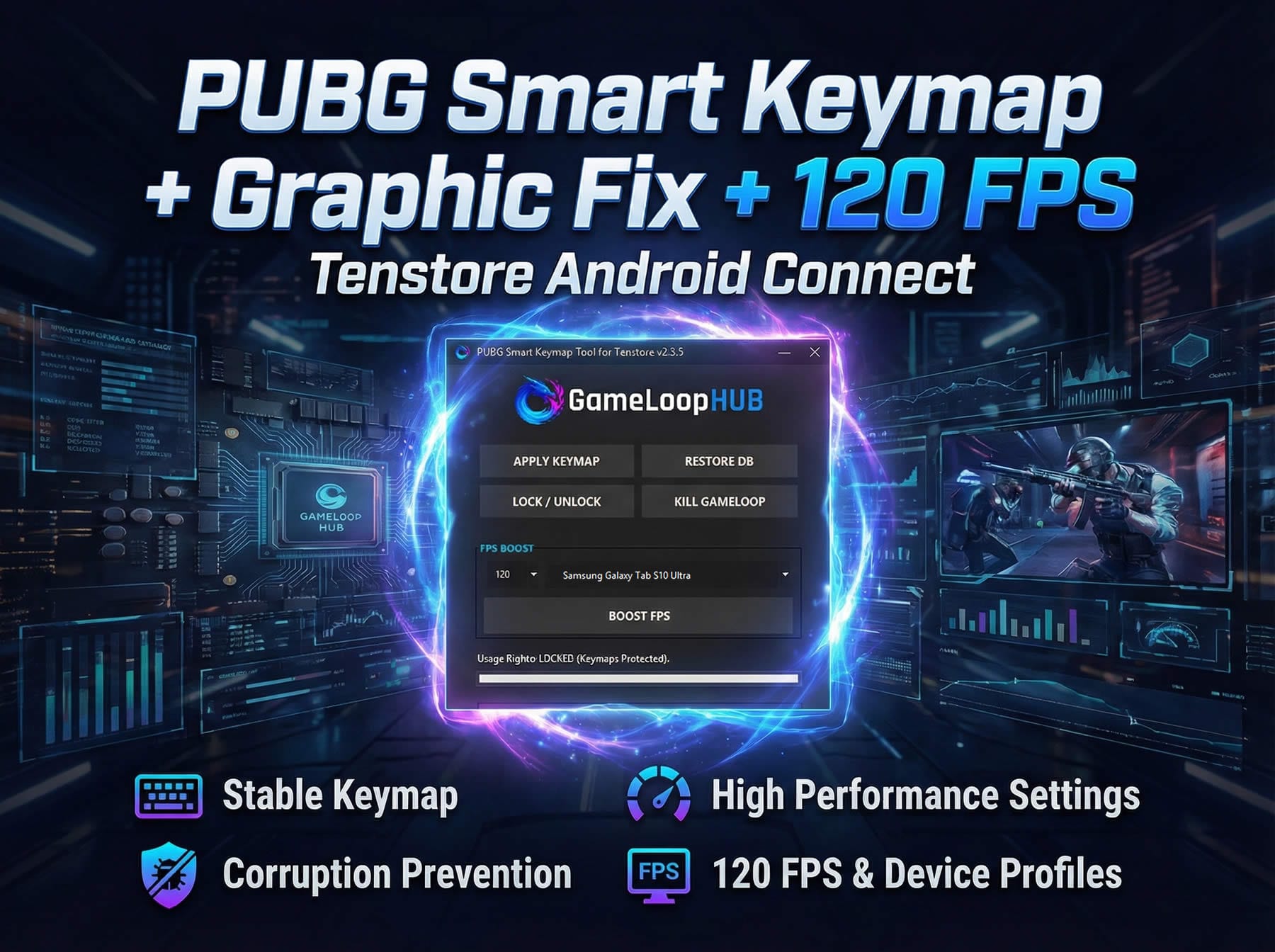
Button Guide
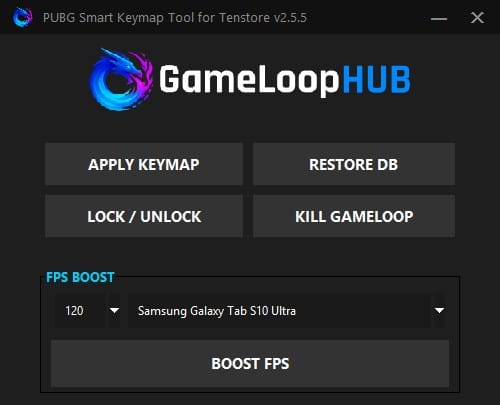
APPLY KEYMAP
Checks if a backup exists for your Configs.db file.
If not found, creates a backup in the same folder as Configs.db.bac.
Imports the latest stable keymap configuration into the correct location.
Removes old or broken key assignments and writes the new ones.
Automatically locks the database to prevent GameLoop from resetting your keymap on startup.
RESTORE DB
Use this if:
Configs.db gets corrupted, or
GameLoop errors on launch due to broken configuration.
This replaces the database with a clean, working copy included with the tool. Important: If you play other games on Tenstore Android Connect, this action can remove or reset their existing keymap and control configurations as well. Use it only when necessary.
LOCK / UNLOCK
Locked: Prevents GameLoop from modifying or wiping your keymap. This is the safe “final state.”
Unlocked: Required if you want to edit keybinds inside the emulator. After editing, you must lock again to prevent auto-reset.
KILL GAMELOOP
Force-closes the emulator and all related background services.
The tool may do this automatically when needed, but this button is included for convenience.
BOOST FPS
Applies your selected FPS cap (60/90/120…) and device model profile to the emulator configuration. This can unlock smoother gameplay and improve available graphics options.
Step-by-Step Setup
Apply the keymap
Click APPLY KEYMAP.
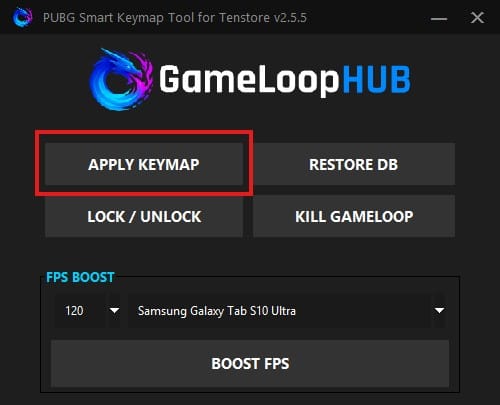
Wait until you see: “Success! xx items applied.” in the terminal/log output.
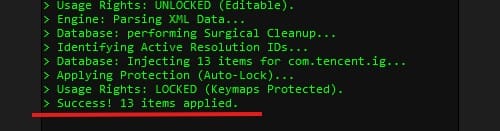
Verify protection is enabled
If the tool status shows LOCKED, your keymap is protected and will not be overwritten on startup.
Apply FPS & device profile (before launching the game)
Before opening PUBG Mobile, use BOOST FPS to apply your target FPS cap (60/90/120…) and device model profile to the emulator configuration. PUBG Mobile supports up to 120 FPS, so even if you select a value above 120, you may still be capped at 120. For higher resolution support and better graphics quality options, select Samsung Galaxy Tab S9 Ultra or Samsung Galaxy Tab S10 Ultra as your device model.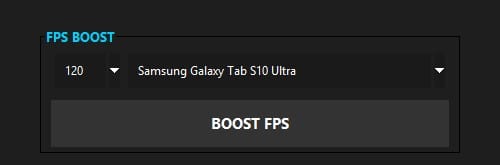
Launch GameLoop and set your resolution profile
Open the emulator.
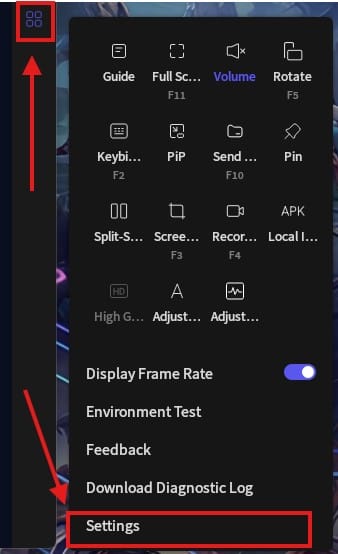
On first launch, go to graphics settings and select 2K (recommended) or 1080p.
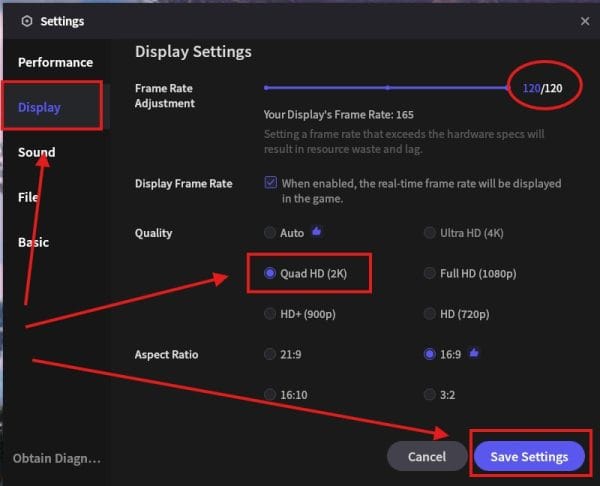
Save and accept the restart request.
Launch PUBG Mobile, then unlock
Launch PUBG Mobile on GameLoop (Tenstore Android Connect) and wait until the emulator is fully running.
Open the tool and click LOCK / UNLOCK.
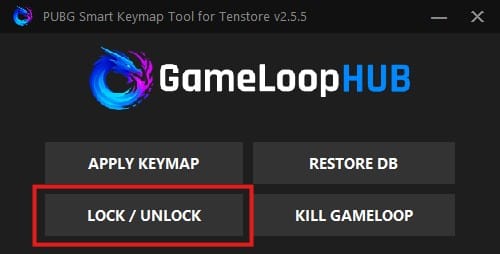
Confirm you see “Unlocked”.

Tip: Enable “Display keybindings in game” from the emulator keymap panel to visually confirm everything is aligned.
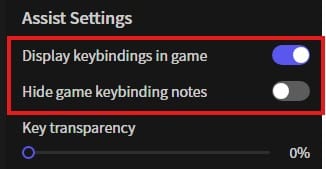
One-time keymap alignment (required)
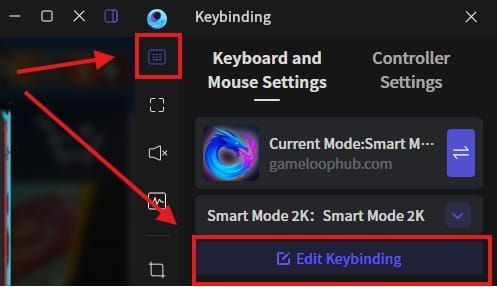
With the tool still Unlocked, open the emulator keymap panel and click Edit keybinding.
Before saving, align the WASD joystick so it is correctly positioned over the in-game movement joystick area.
You will also see two red CTRL keys. Remove the bottom-right CTRL and click Save.
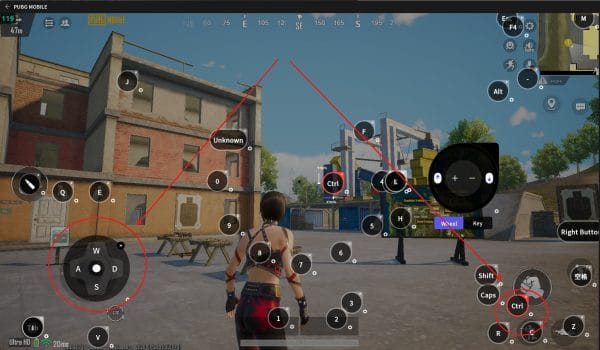
This one-time edit forces the emulator to save the keymap properly, so all key positions snap into their correct locations across profiles.
Keep the tool Unlocked for the next step.
Choose your best profile and lock
Test all profiles: 720p, 1080p, 2K.
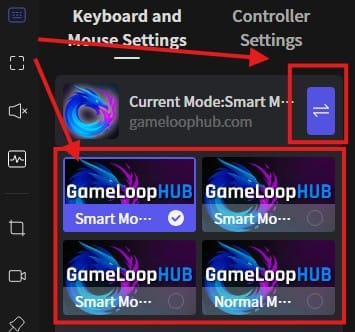
Pick the profile that matches your setup and feels most consistent.
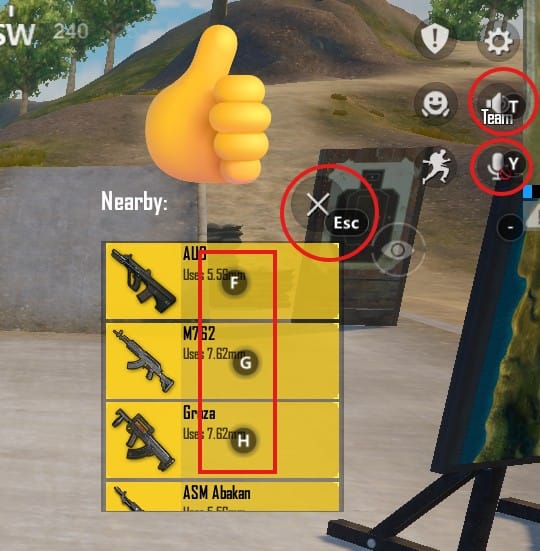
Once you decide, click LOCK / UNLOCK and confirm you see “Locked”.
If you leave it unlocked, GameLoop may reset or wipe your keymap.
Note about 120 FPS
Even after applying BOOST FPS, reaching 120 FPS can still depend on your in-game graphics configuration. If you are not getting 120 FPS, adjust your PUBG Mobile graphics settings and try different combinations until 120 FPS becomes available.
Troubleshooting
GameLoop fails to open or acts corrupted
Use RESTORE DB, then apply keymap again:
RESTORE DB
APPLY KEYMAP
BOOST FPS
Confirm LOCKED
Relaunch GameLoop
My keymap resets after I restart the emulator
You likely left it Unlocked.
Lock it again using LOCK / UNLOCK and confirm Locked.
I don’t see 120 FPS in game
Confirm you applied BOOST FPS.
Check PUBG Mobile’s in-game settings (Graphics).
Some builds or profiles may not expose 120 FPS depending on device model or game settings.
FAQ
What is Configs.db.bac?
It is an automatic backup created the first time you apply changes. If anything goes wrong, you can restore your original configuration using this backup (or by using RESTORE DB if needed).
Is this tool safe?
The tool only modifies emulator configuration files. It does not inject into the game process. Use is still at your own risk, especially regarding emulator policy changes and account restrictions.