Call of Duty Mobile Season 11 (v1.0.53) Live on GameLoop: Available via App Market (Updated)
The wait is over. (Partially)
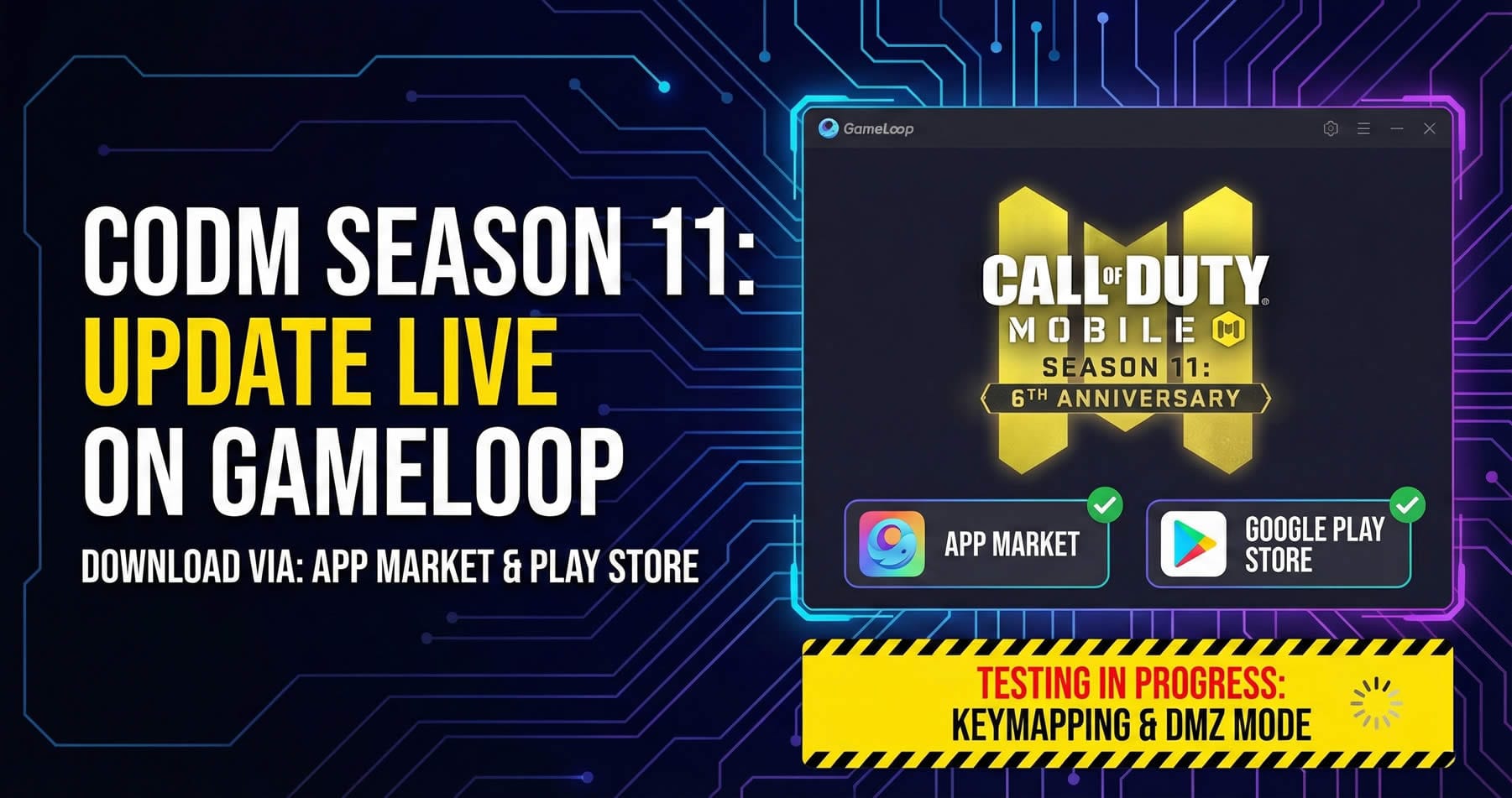
We can confirm that the latest version of Call of Duty Mobile (Season 11: 6th Anniversary / v1.0.53) is now officially available for download and update on GameLoop.
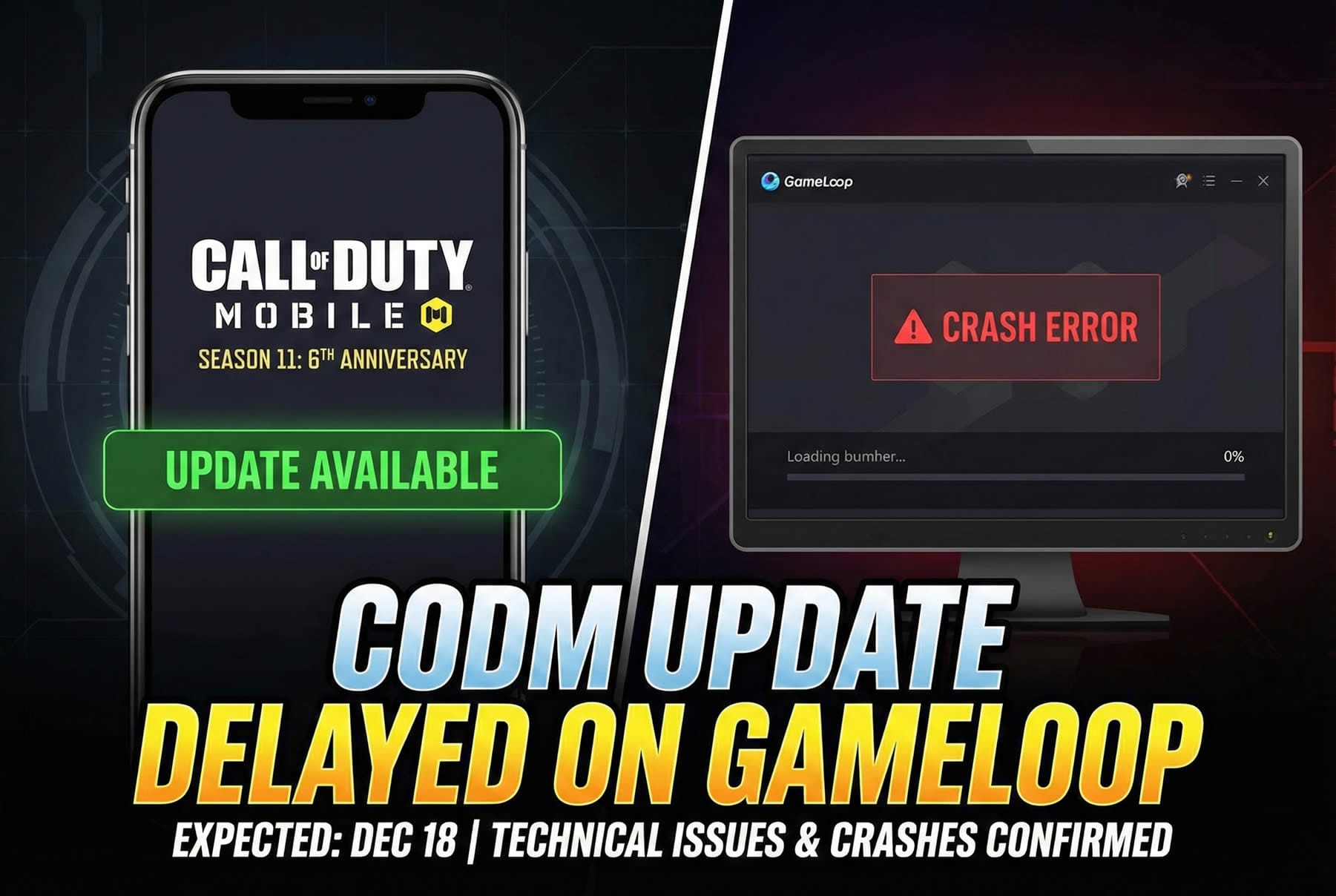
Unlike the instability seen in previous days, the “crash on launch” issue appears to be resolved. You can now update the game through two official sources inside the emulator:
GameLoop App Market: The update is now live on the emulator’s main store.
Google Play Store: Accessible via the standard Android interface inside GameLoop.
Important: No Emulator Engine Update Yet
While the game files are updated, it is crucial to understand that GameLoop has NOT released the official emulator engine update yet.
The emulator engine is still running on the previous version.
The current download is solely for the game files (APK).
Because the comprehensive GameLoop patch (rumored for December 18) hasn’t arrived, 100% compatibility is not guaranteed.
[TEST RESULTS UPDATED: 17 Dec 2025]
After testing across multiple system configurations and game modes, here are the verified results and a workaround guide for the broken DMZ Recon mode.
1. Battle Royale & Multiplayer: Mostly Stable
Our tests revealed a specific behavior regarding the F (Drive) and G (Get In) interaction keys in Battle Royale:
Scenario A (Clean GameLoop Install on Existing Windows): The game runs without crashing, but vehicle interaction keys (F/G) failed to respond.
Scenario B (Fresh Windows Install + Clean GameLoop): On a completely fresh Windows installation, all keys worked perfectly in both BR and Multiplayer modes.
Verdict: Standard modes are playable. If your interaction keys fail, it is likely due to residual registry files from previous installations, though a full OS format is the only guaranteed fix we found so far.
2. DMZ Recon Mode: Broken but Playable (With Tweaks)
The standard keymapping does not work in the new DMZ Recon mode. However, we discovered a manual workaround to make it “somewhat” playable until the official update arrives.
⚠️ Warning: This method is complex and changes how you aim.
Step-by-Step DMZ Workaround:
Change Keymapping Mode:
Open GameLoop Keymapping settings.
Select “OB” mode instead of “Multiplayer” or “BR”.
Uncheck the box: “Auto switch mode based on scenario”.
- Check the box: “Firing (Enabled)” if it is disabled
Result: Movement (WASD) and Camera view will start working.
Fixing the Mouse/Aim Conflict: In OB mode, the Right-Click conflicts with the mouse cursor unlock function (usually Ctrl). To fix this:
In-Game Settings: Go to Controls and select “One Tap ADS”.
In-Game HUD: Move the Left Fire Button physically over the Right Fire Button position on your screen.
GameLoop Keymapping: Assign the CTRL key to the Aim/ADS function.
Why? This allows you to toggle the mouse cursor and open your scope simultaneously, bypassing the conflict.
Movement Fix:
The Shift key (Sprint) does not work in this mode.
Fix: Go to Game Settings > Basic and enable “Always Sprint”.
Final Touches:
You will need to manually map the remaining keys (Grenade, Reload, Jump) individually on the screen.
Alternative Method: Restoring Native “Right-Click” Aiming
If you prefer not to use the “One Tap ADS” method and want standard “Left Click to Fire / Right Click to Aim” behavior, there is a more complex workaround using external tools:
Emulator Mapping: inside GameLoop keymapping, assign an unused keyboard key (e.g.,
UorP) to the Aim/ADS icon.External Rebinding: Use a third-party mouse software (like X-Mouse Button Control or your mouse’s specific driver software) to rebind your physical Right Mouse Button to simulate that keyboard key.
Trade-off: This provides a much smoother gameplay experience. However, it is inconvenient because you must manually disable this external key rebind every time you switch back to Battle Royale or Multiplayer modes to avoid input conflicts.
Conclusion: It is not a perfect experience, but this method allows you to play DMZ Recon before the official patch releases.